GenLight: AI-Generated Stage Lighting
Using natural language to communicate with AI and generate stage lighting cues in real-time.
Overview
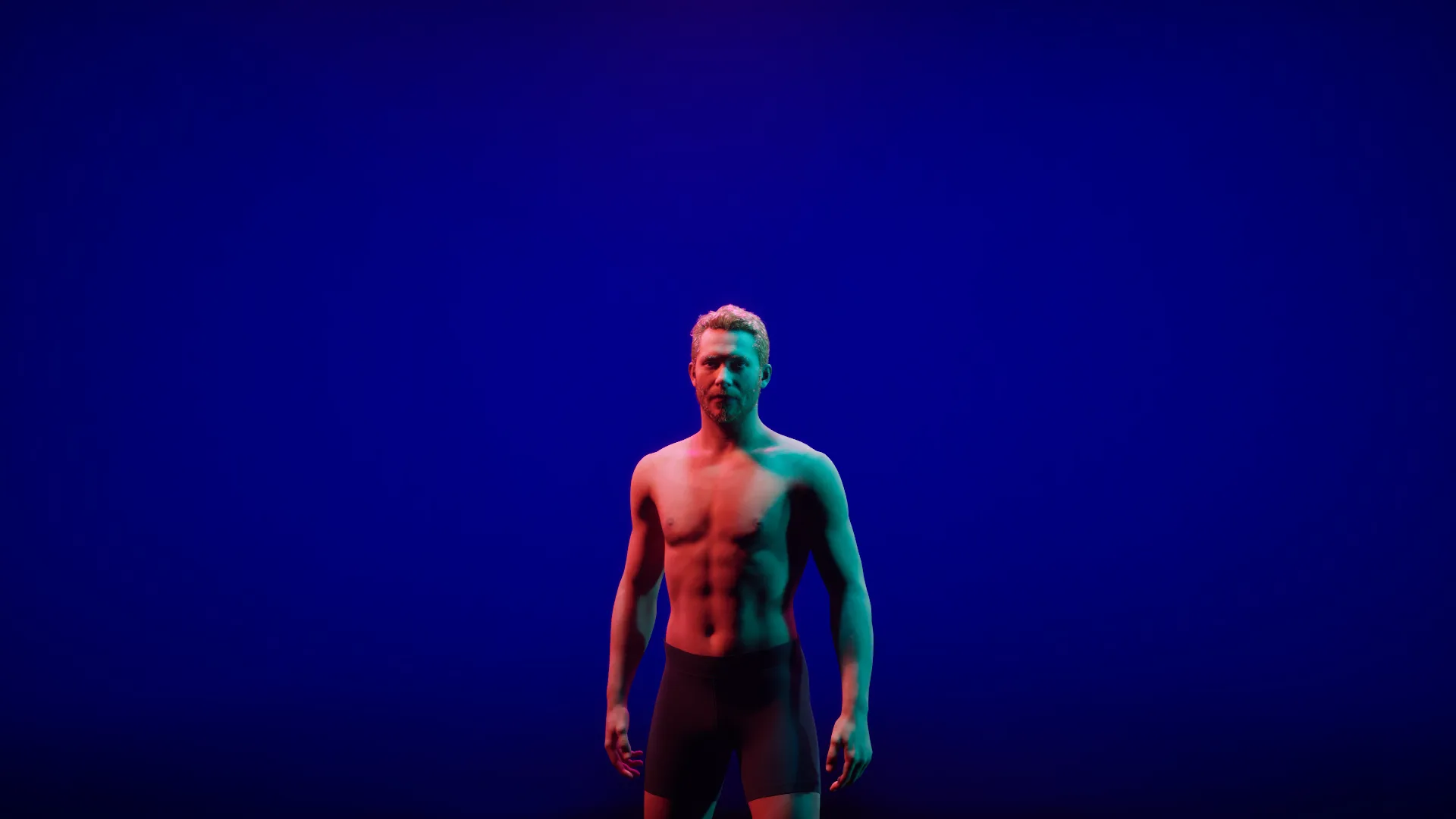
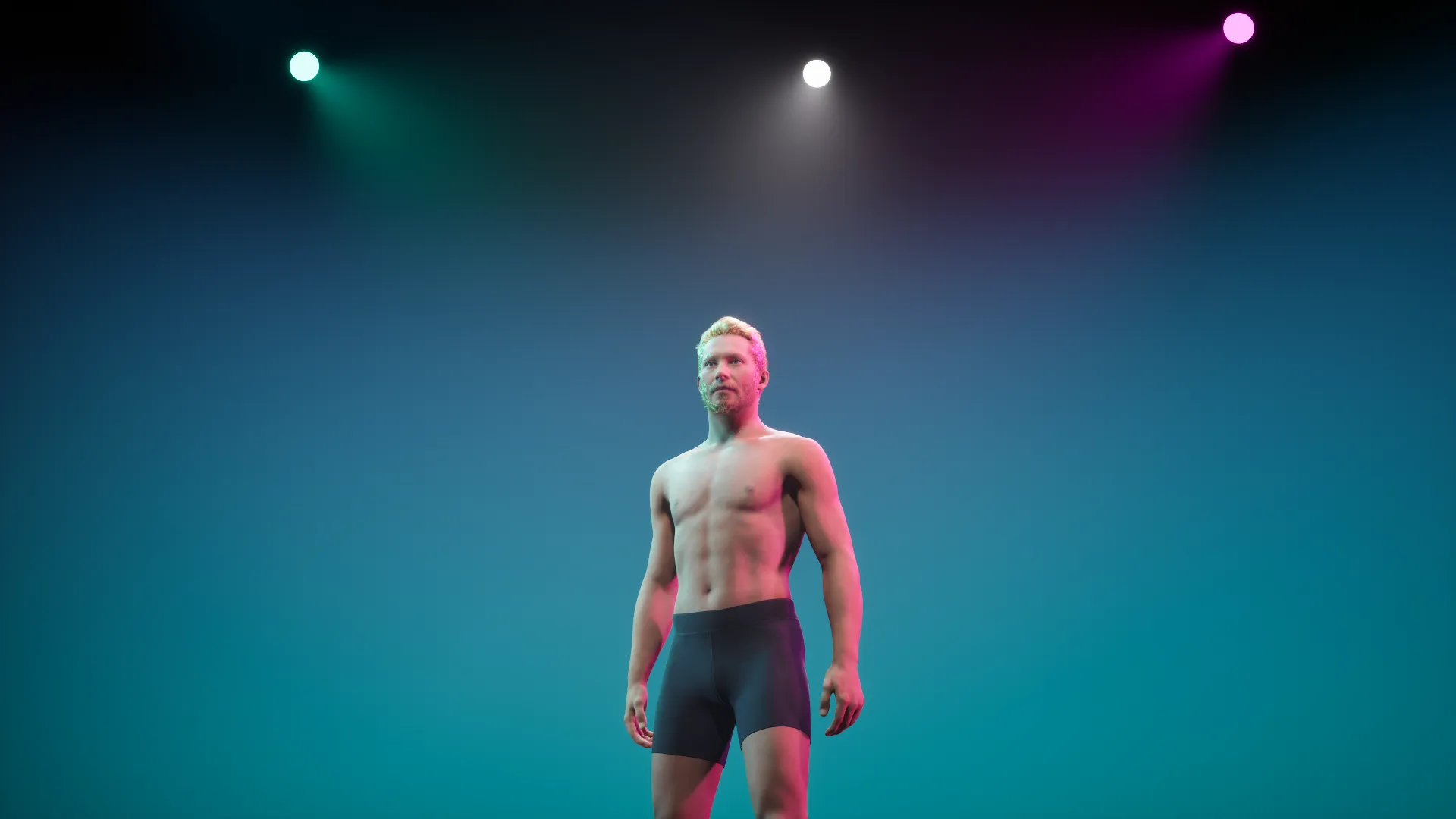
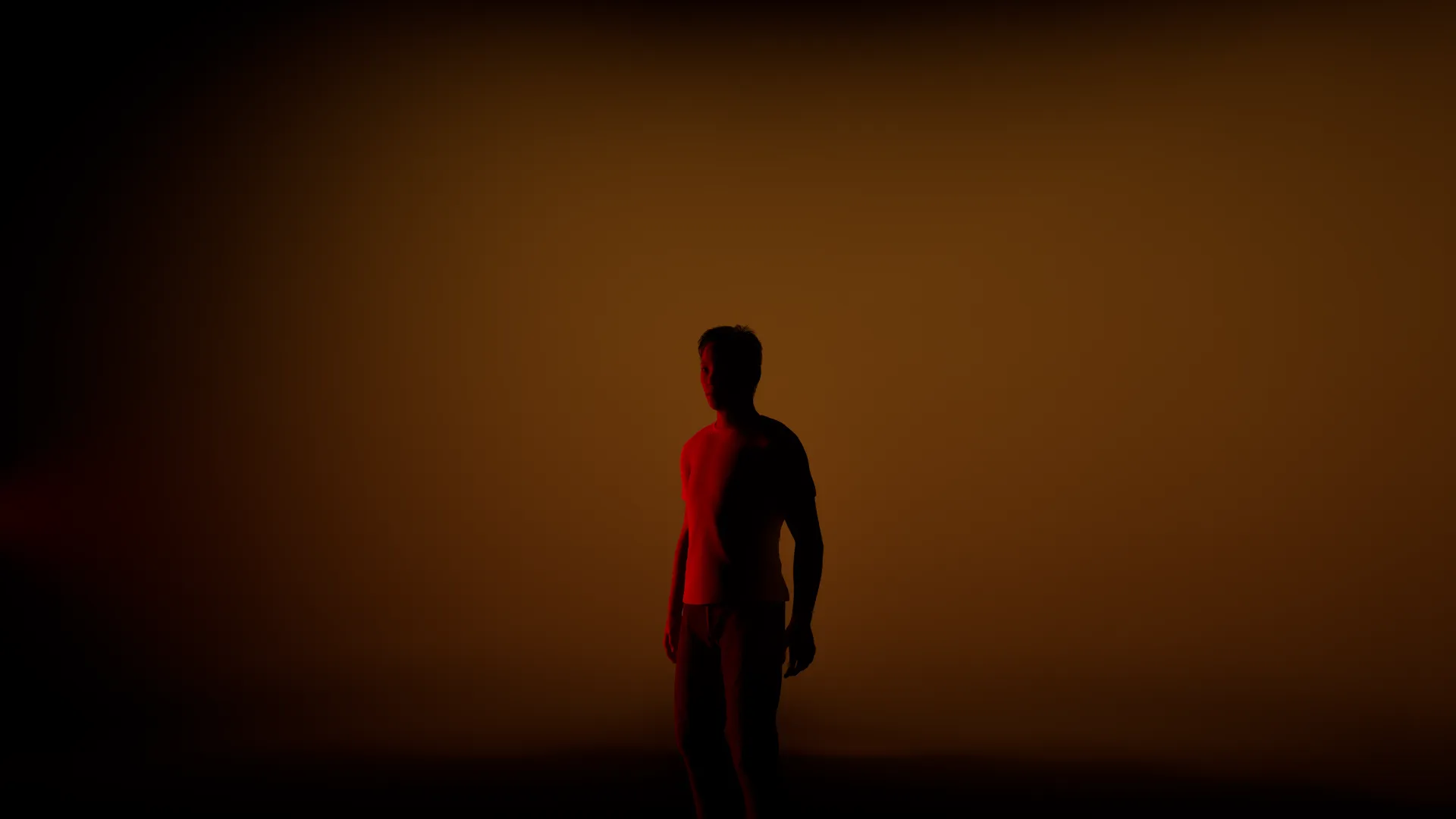
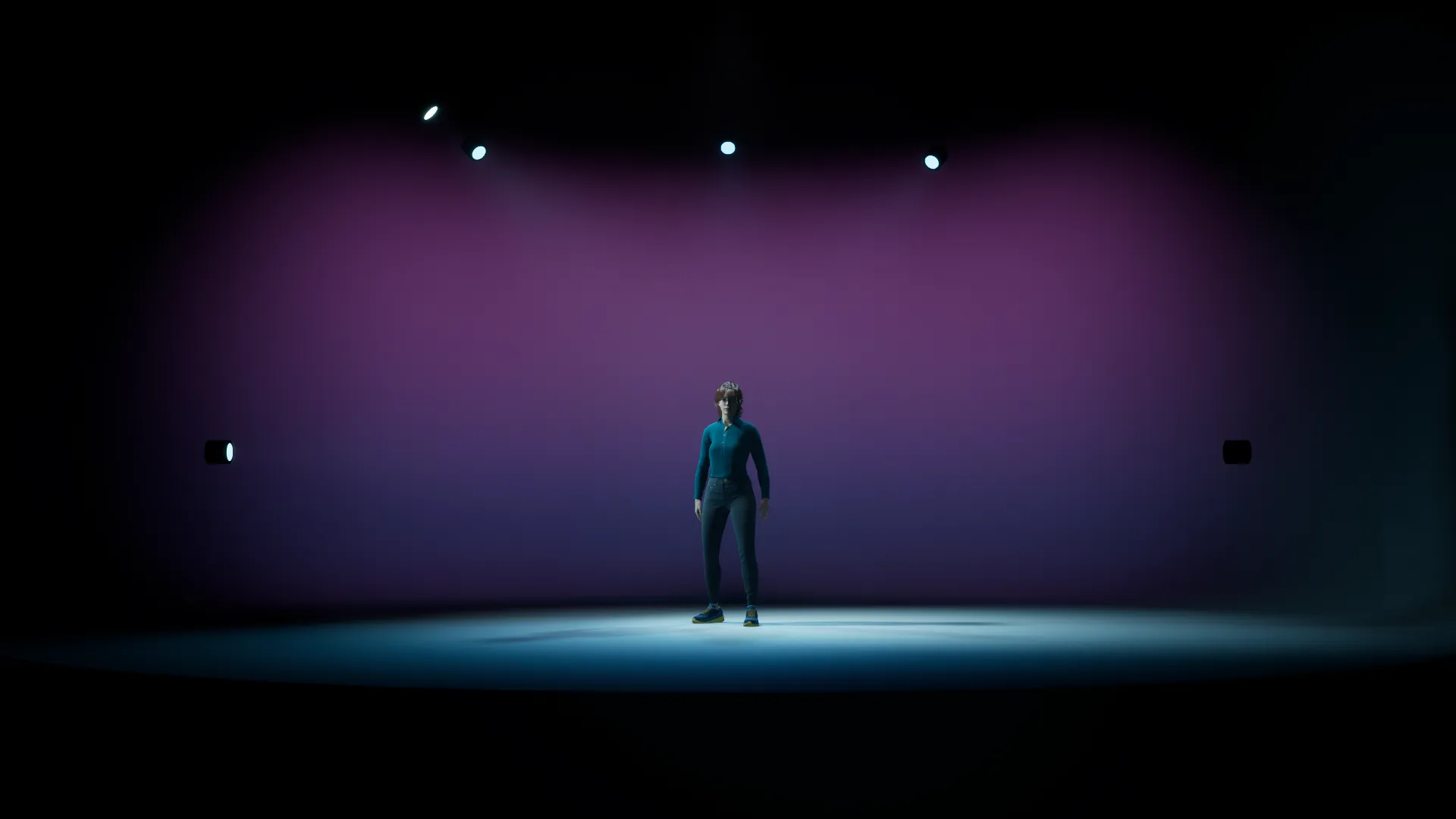
GenLight explores AI-generated stage lighting. The core interaction: users communicate with a language model using natural language (prompts), and the AI generates corresponding stage lighting cues — like a performer communicating with a lighting designer who then brings their vision to life.
Generated Lighting Examples


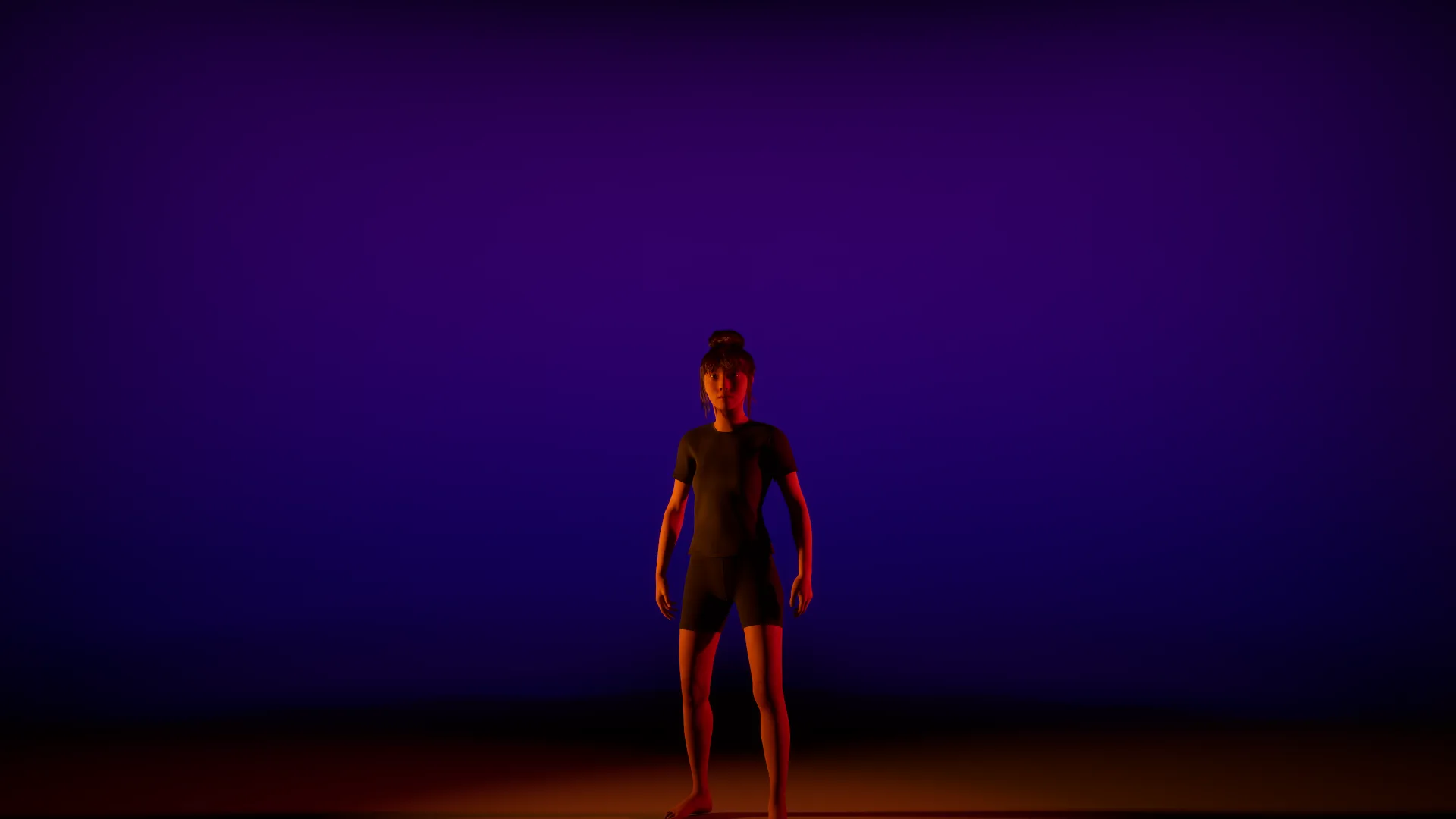

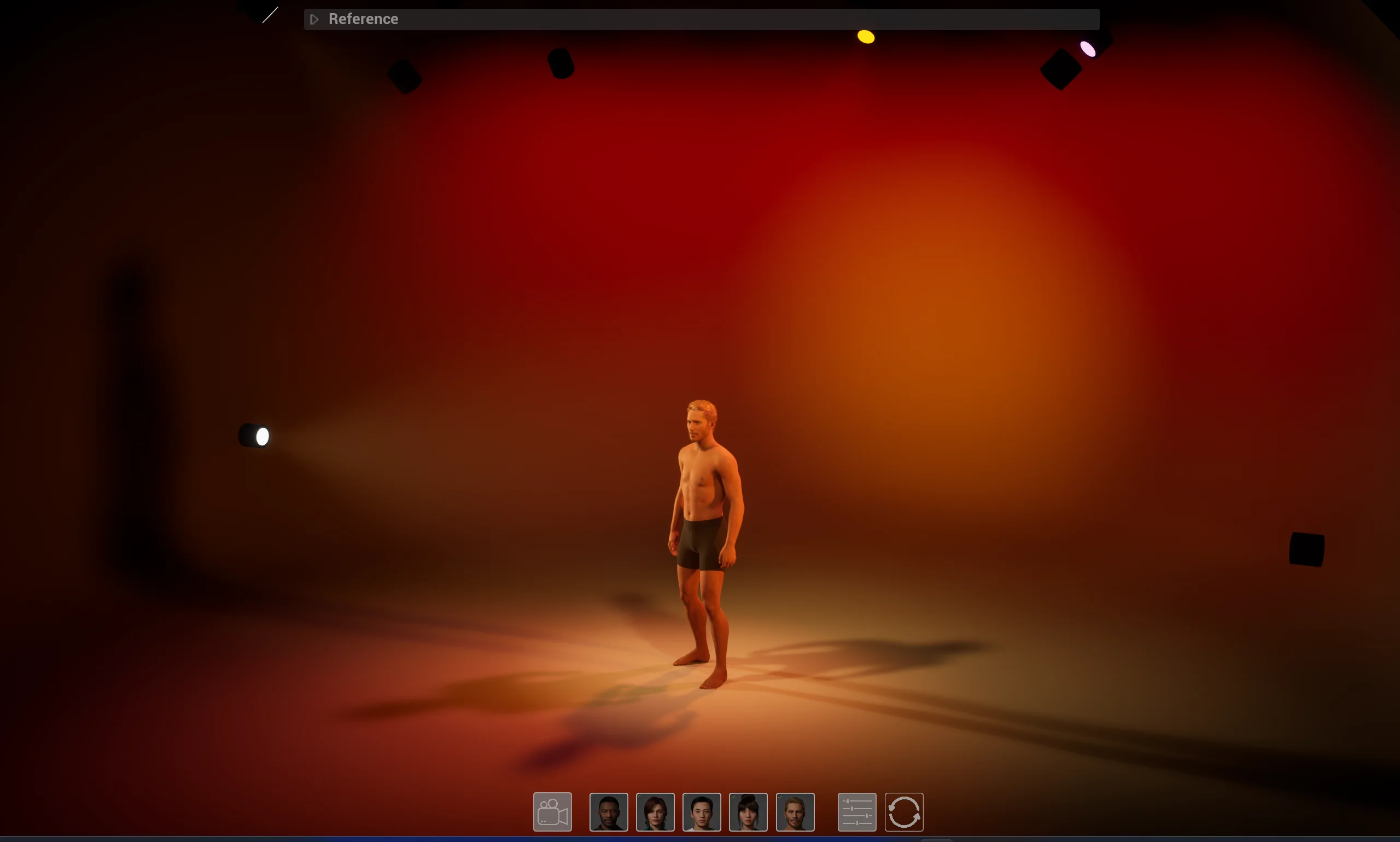
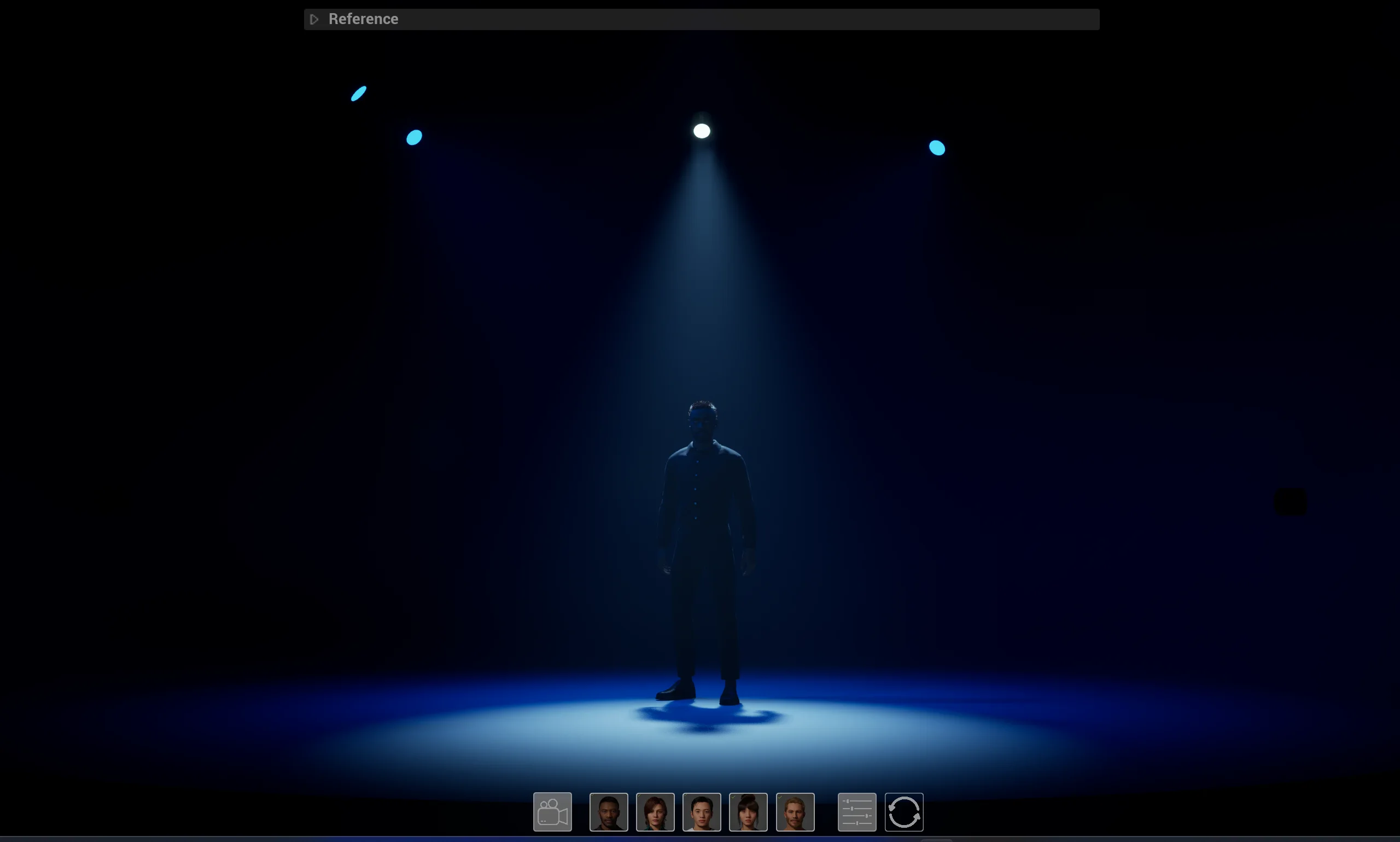
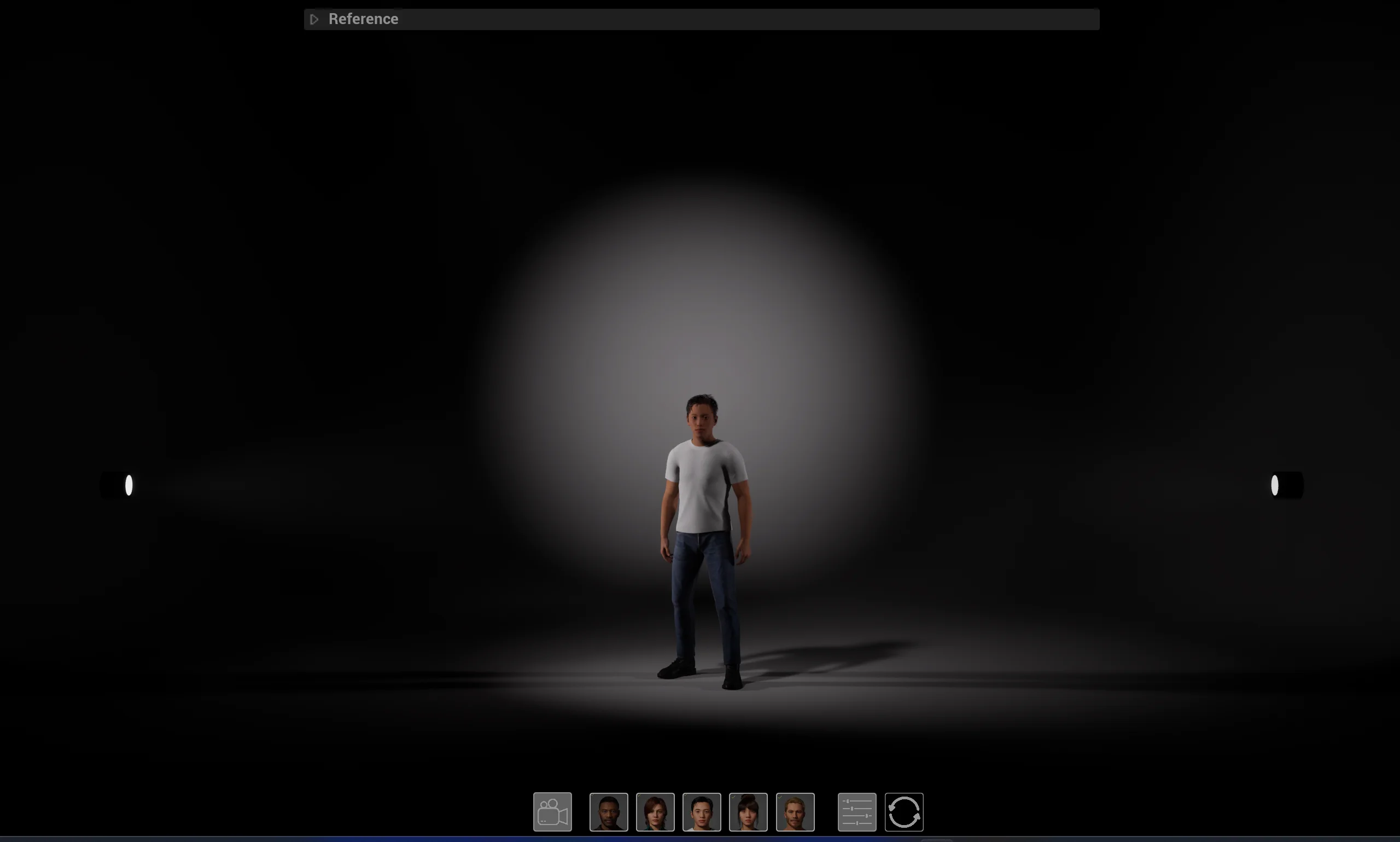
Core Concept
Traditional stage lighting design requires specialized knowledge and software. GenLight bridges this gap by allowing anyone to describe their vision in words and see it realized in real-time.
Input: “I want a warm, intimate feeling with soft shadows”
Output: AI-generated lighting cue with adjusted intensities, colors, and angles
Tech Stack
| Technology | Purpose |
|---|---|
| Unreal Engine 5 | Real-time rendering, light/shadow fidelity, interactive UI |
| OpenAI API (GPT-4o) | Understanding prompts, generating lighting parameters |
| OSC Protocol | Low-latency communication between UE5 and external systems |
| MetaHuman | High-fidelity human models for accurate skin tone rendering |
Technical Implementation
System Architecture
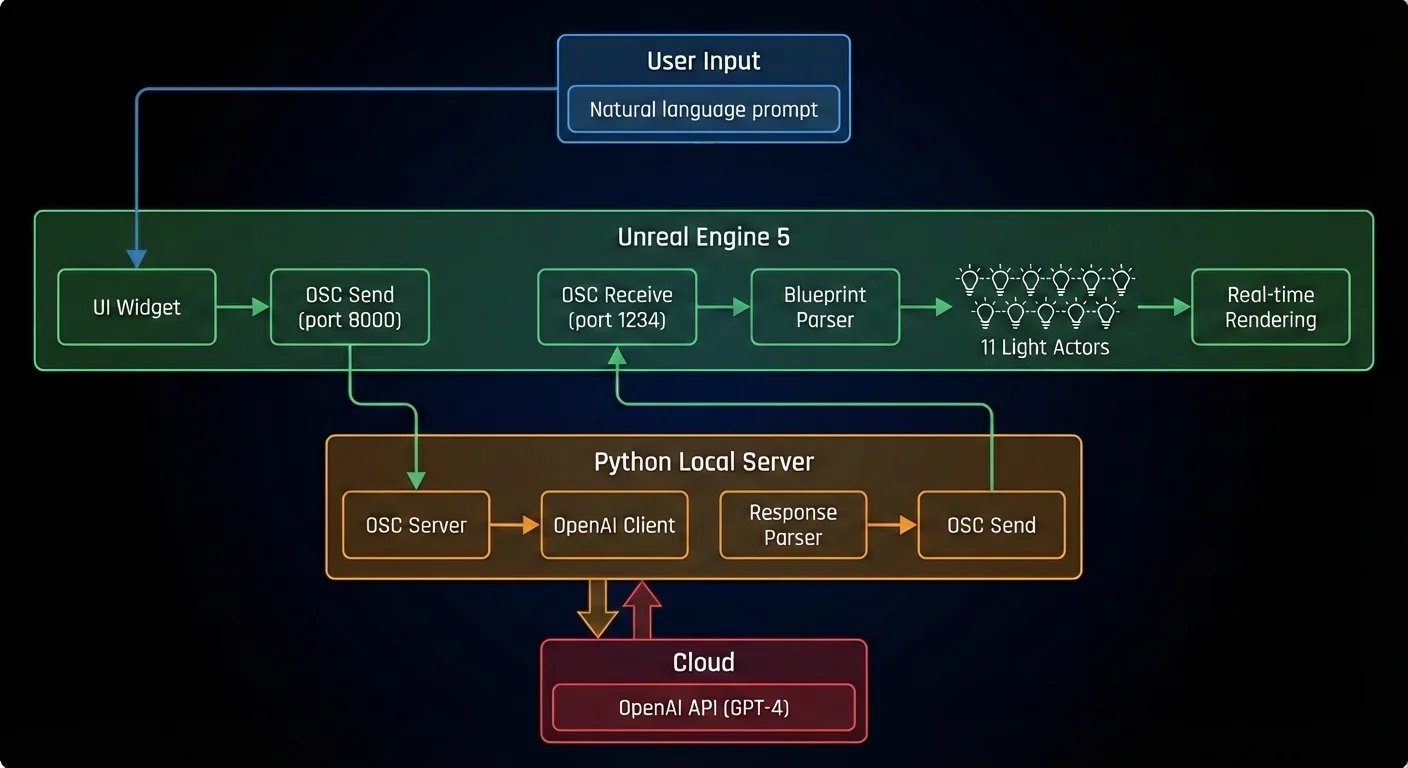
The system uses OSC (Open Sound Control) protocol for communication between Unreal Engine 5 and a local Python server, which handles OpenAI API calls.
Blueprint
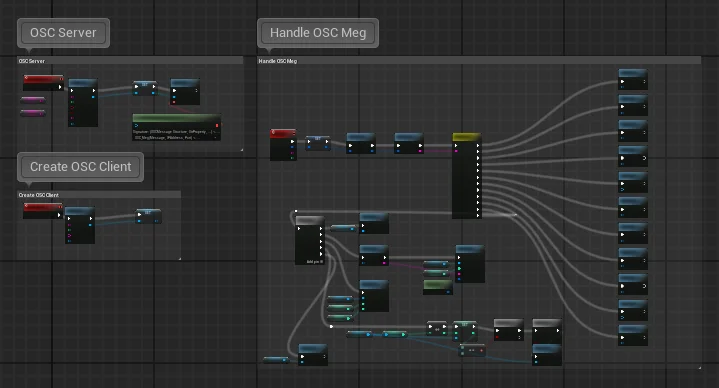
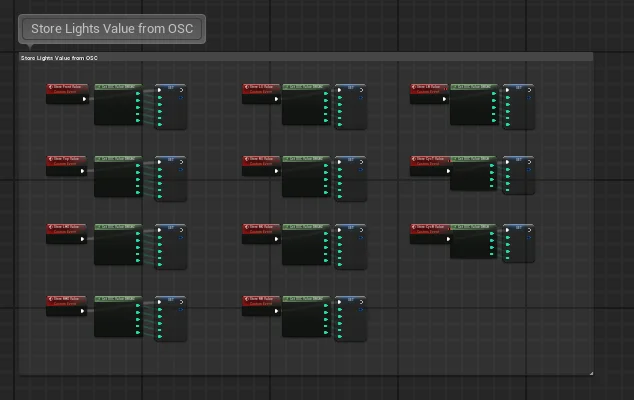
The core logic is implemented in Unreal Engine’s Blueprint visual scripting system, handling OSC communication and real-time light parameter updates.
System Design
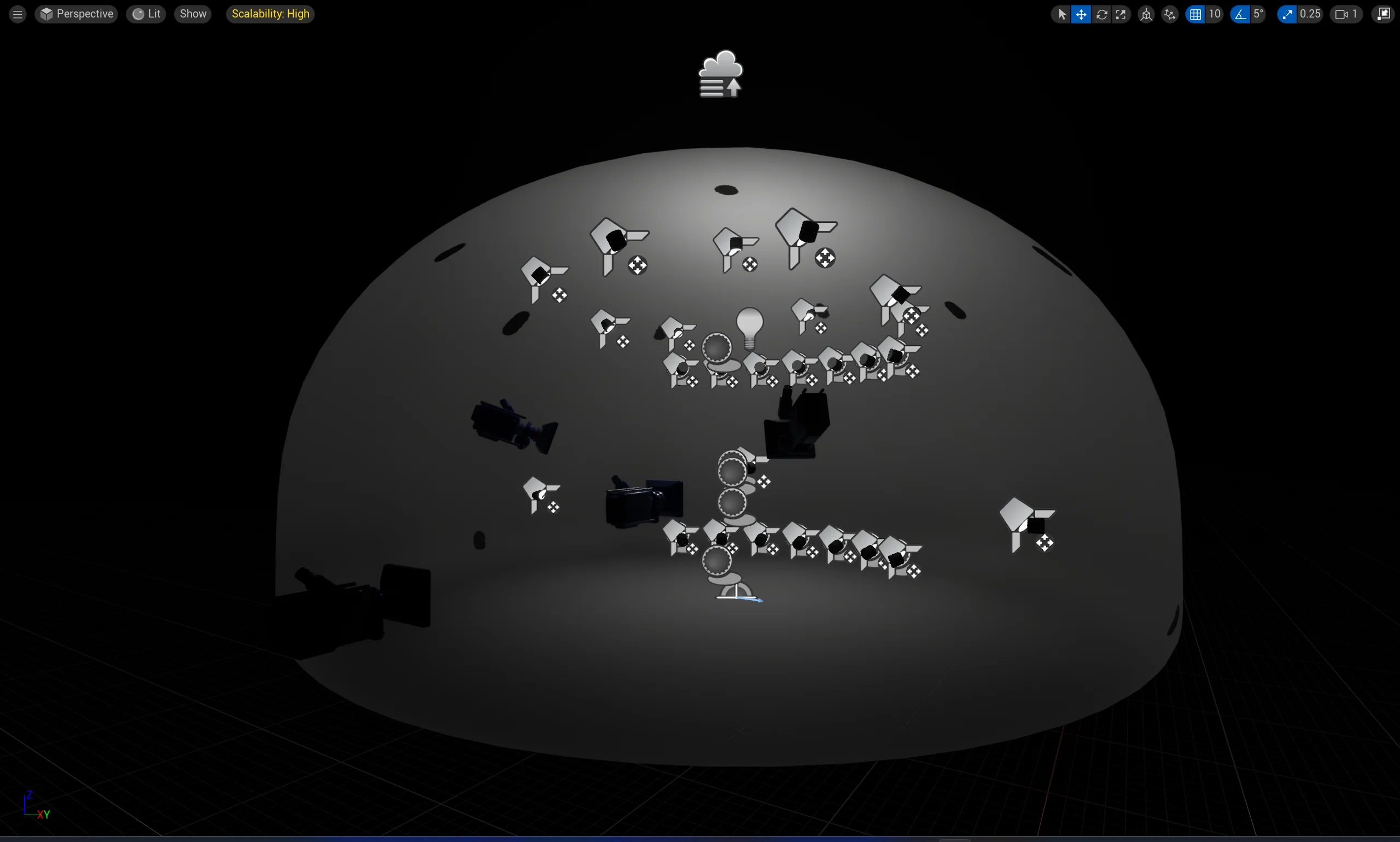
Virtual Stage
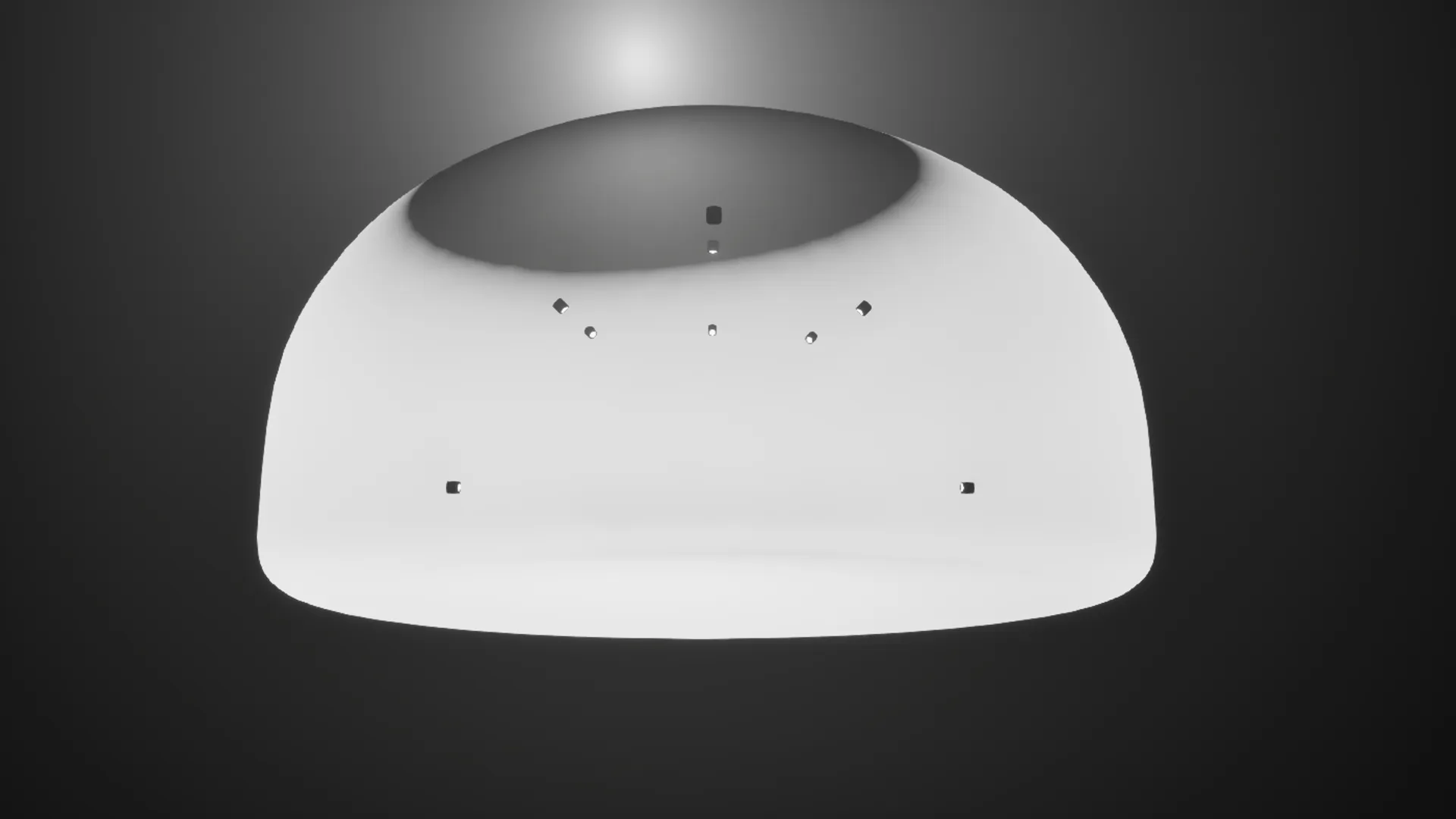
A neutral white dome space that faithfully presents colors and shadows, allowing focus on the lighting itself — like a canvas.
Lighting Setup
Character Lights (11 angles)
- Front light
- Left/Right diagonal front
- Low side lights
- High side lights
- Back light
- Left/Right diagonal back
Environmental Lights
- Cyc lights (ground row)
- Cyc lights (sky row)
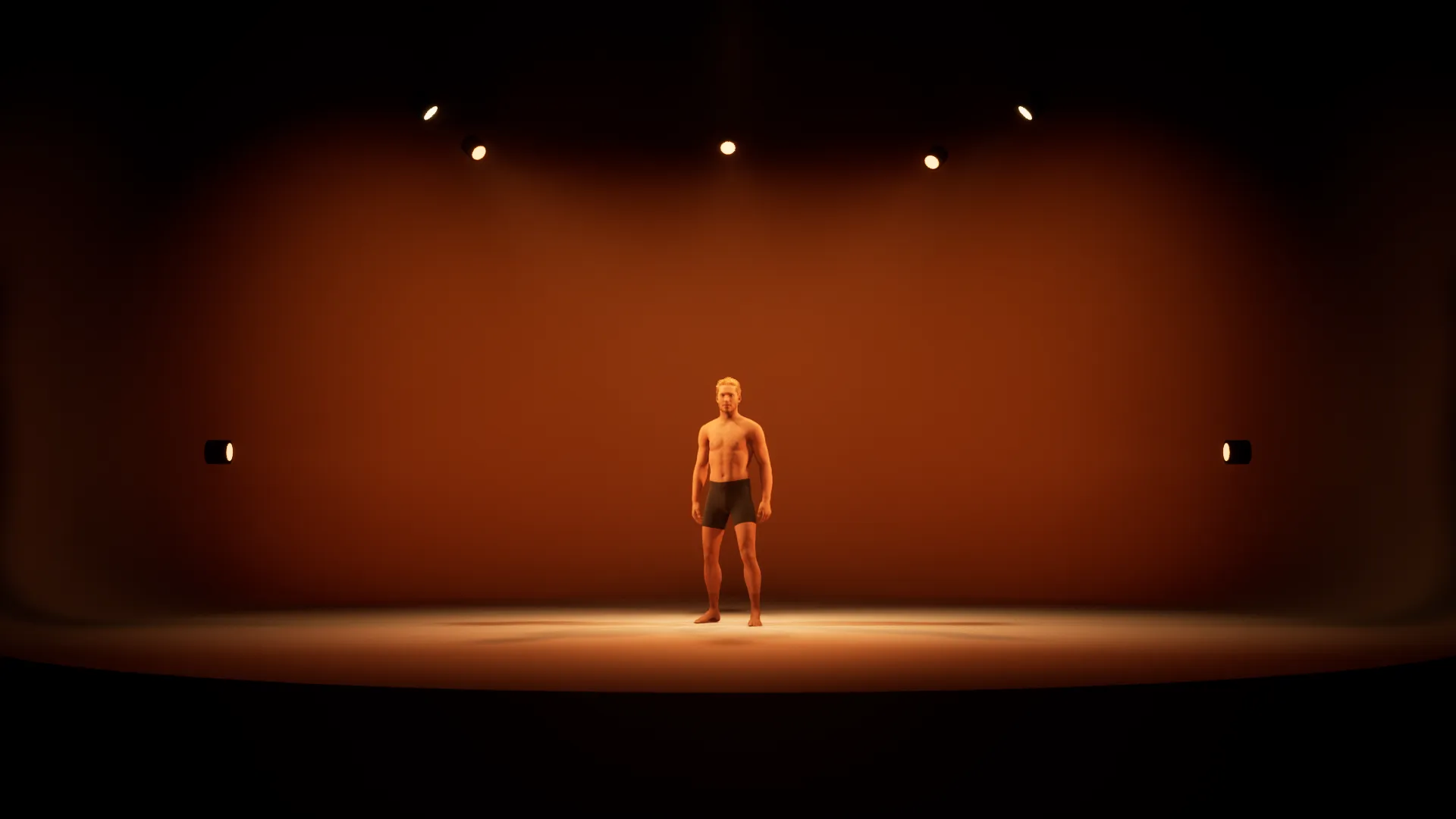
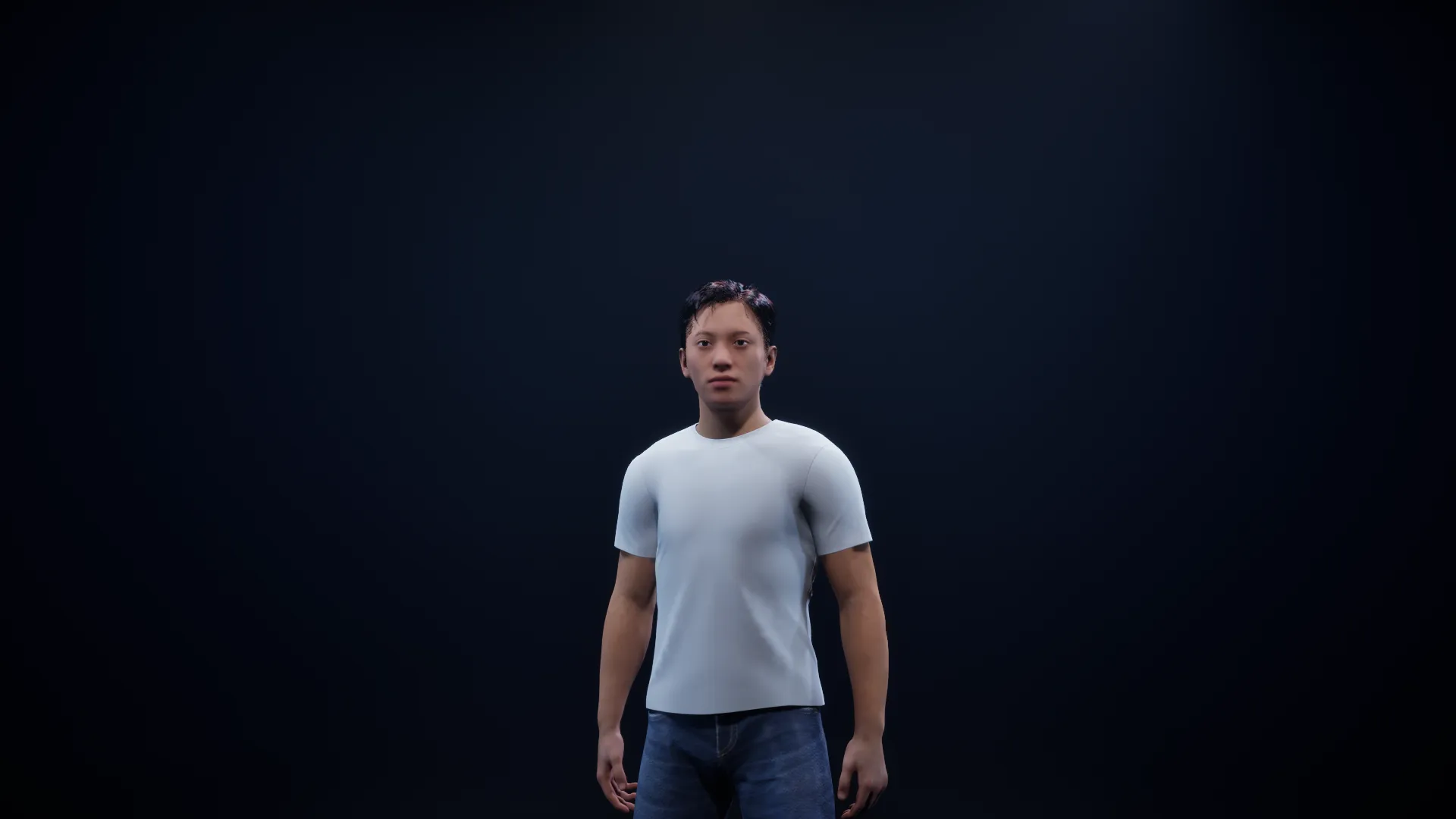
This setup is based on the Lighting Area concept — the smallest unit for composing a cue.
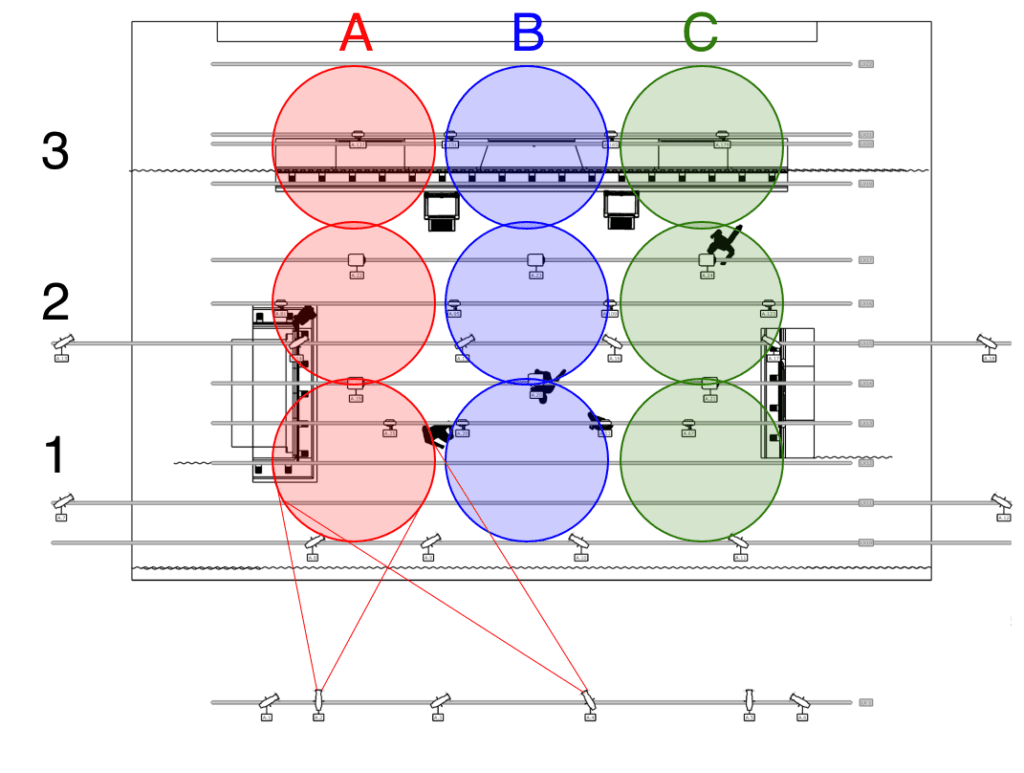
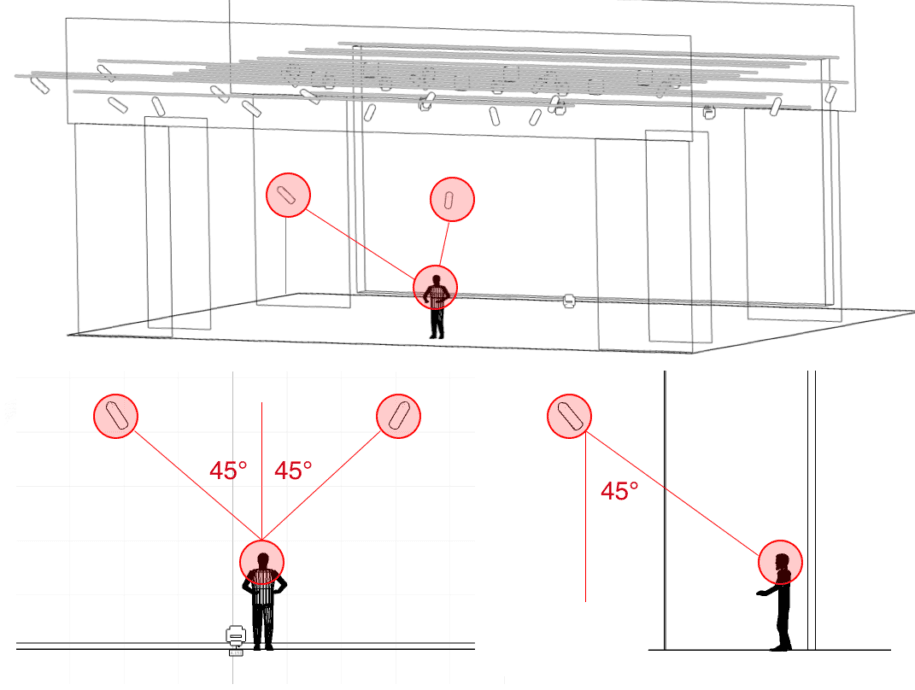
Reference: stagelight.app
User Interface
- Real-time parameter display for all fixtures
- Manual adjustment sliders
- AI response panel (including Lighting Concept explanation)
- Skin tone selector for different MetaHuman models
- Camera controls and screenshot function
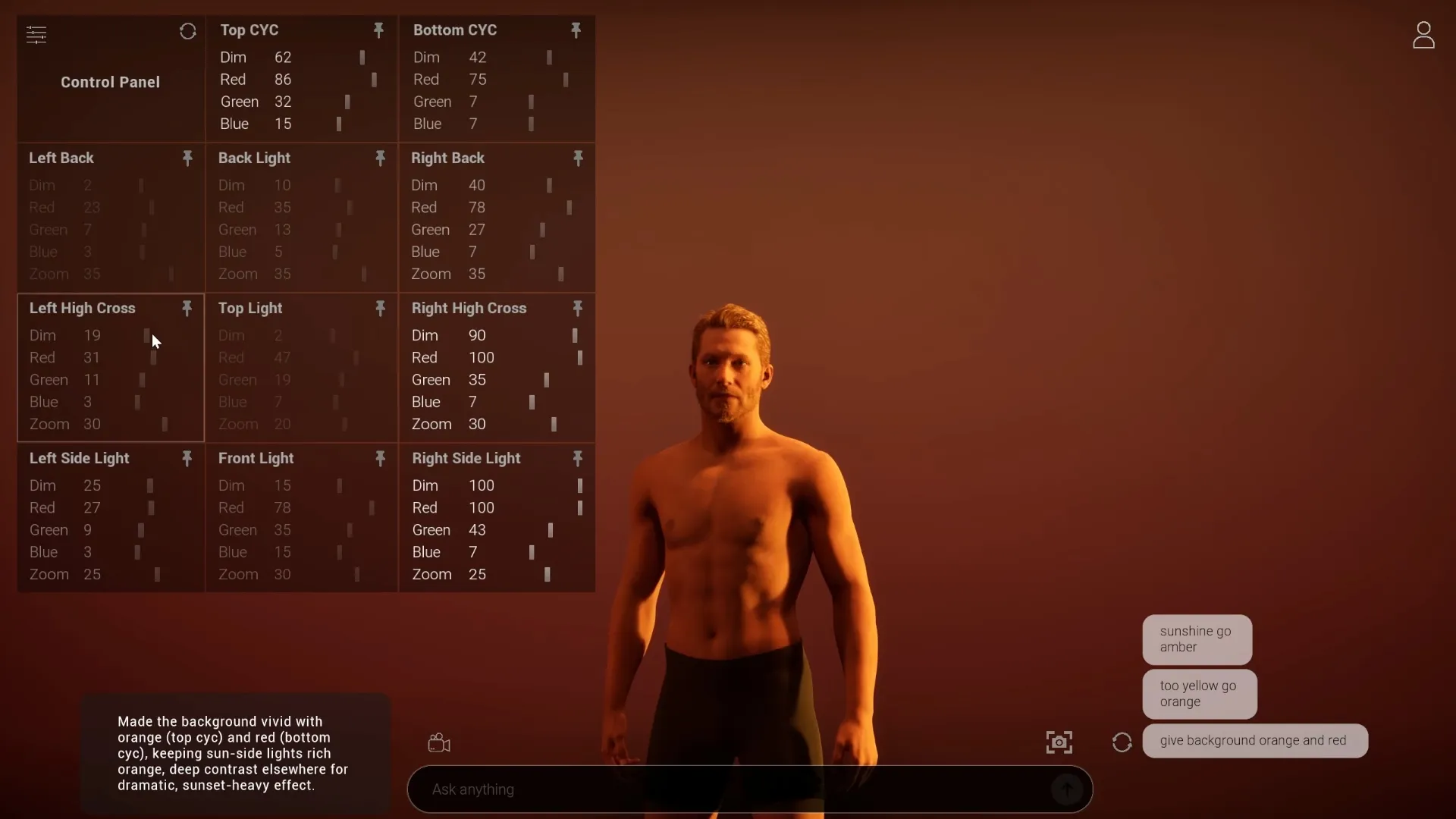
Interface Demos
Lighting Control Panel
Camera View Controls
Skin Tone Selector
Preset Quick Switch
AI Conversation Interface
Users input natural language prompts, and the AI responds with lighting parameters along with a “Lighting Concept” explanation — showing both the technical output and the creative reasoning behind it.
Onboarding Tour
A guided walkthrough introducing the interface and demonstrating the AI lighting generation workflow.
Motivation
As a lighting designer and curious creative technologist, I learn best by building. This project integrates new technology (AI, real-time rendering) with my domain expertise (stage lighting) to explore:
- What possibilities does this combination unlock?
- What problems does it actually solve?
- Or is it unnecessary?
GenLight is that exploration in action.
Related Articles
- What is Unreal Engine 5? - Deep dive into UE5’s lighting capabilities
- What is MetaHuman? - Digital humans for lighting testing
- What is OSC? - The protocol connecting creative software
Links
Research Project, 2025
Get in Touch
Have questions or want to collaborate? Feel free to reach out!