重建廟宇場景中的機器狗訓練
一個 Physical AI 模擬案例:把重建廟宇場景、Isaac / Omniverse 簡化物理代理層,以及機器狗 locomotion replay 放進同一個 workflow。
從 locomotion demo 到空間測試場
空白樓梯測試可以看 locomotion,但很難看出動作放進具體場域後會怎麼被閱讀。廟宇重建提供了這個 spatial context;同時,visual splat 本身不能回答碰撞、樓梯接觸、可走區域這些 simulator 問題。
所以我把 project 拆成三個可讀的層次:廟宇重建負責 visual context,簡化的 Isaac / Omniverse proxy 負責 collision 與 stair interaction,Isaac Lab / RobotLab clips 負責 robot motion。這幾層放在一起,才比較能看出 captured architecture、proxy geometry 和 robot replay 如何互相支持。
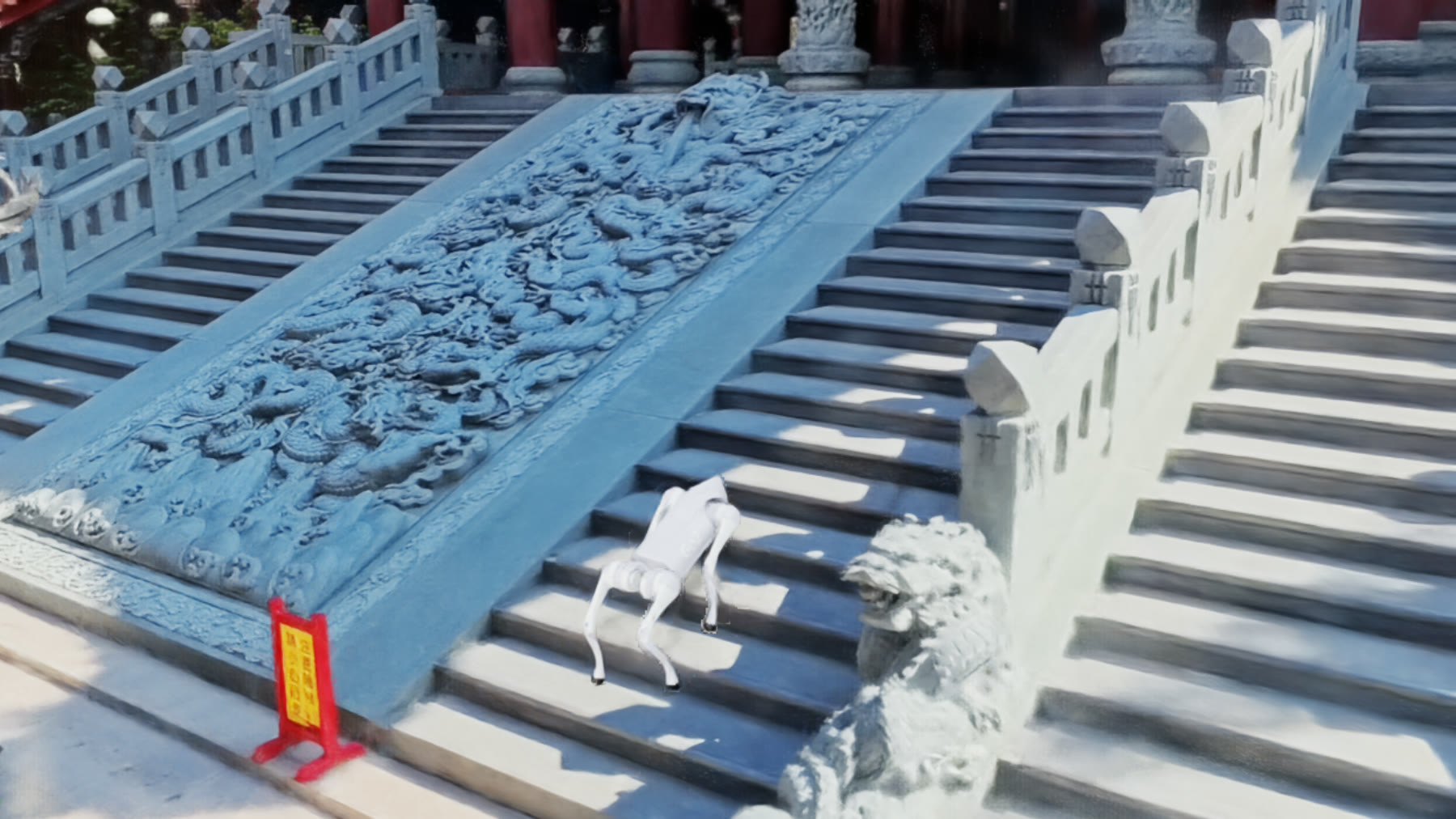
主視覺。 機器狗在 Isaac Lab 裡被 replay 到重建廟宇場景中。Visual splat 提供空間脈絡;proxy geometry 和 locomotion clips 說明樓梯互動如何被判讀。
場景裡包含什麼
可辨識的廟宇捕捉場景,讓 robot replay 有具體的 architectural setting。
獨立 collision / stair layer 承載 visual scene 背後的接觸假設。
Isaac Lab / RobotLab clips 展示 controlled stair 和 temple views 裡的機器狗動作。
目前 artifact 聚焦在 simulation replay、scene assembly,以及 visual / proxy separation。
這個方向來自一個很實際的 presentation 問題:單支漂亮 replay 會把太多假設藏起來。我想讓 viewer 直接看到 asset chain:visual reconstruction、OpenUSD / Isaac scene assembly、proxy geometry 和 robot replay。
場景如何組裝
這個 project 被整理成 source-to-simulation chain。每一步有不同任務。
廟宇影像 / reconstruction 成為空間參考。在 Isaac 裡,它作為 ParticleField3DG 這類視覺層,和簡化 collision geometry 分開。
Robot 需要 collision geometry、stair dimensions 和穩定物理。這些由簡化 proxy layer 處理,和 visual reconstruction 分開。
獨立的 locomotion experiments 測試 Go2 stair climbing、rough-terrain control,以及 teacher/student policy behavior。
機器狗被 replay 到 stair 和 temple views 中。影片轉成 silent H.264 MP4。
Hero imagery、viewport clips 和 UI screenshots 被分開放,讓 viewer 知道自己看到的是哪一層。
Locomotion notes
Locomotion side 從 community teacher policy 開始,接著做較小的 checks:stair climbing、rough terrain、stop commands、yaw 和 arc motion。我保留這段訓練脈絡,是因為它解釋了為什麼頁面同時有成功 replay clips,也保留 unfinished control work 的痕跡。
比較有用的經驗是 practical 的:對這個 robot setup 來說,teacher warm-start、behavior cloning 和 targeted DAgger 比 broad random PPO attempts 更容易暴露 failure modes。Stop creep、rough yaw、rough high-speed drift 變成可以回頭檢查的 observations,也指出後續 replay coverage 要補在哪裡。
視覺與 replay material
這個頁面使用三種 material:廟宇圖片提供 spatial context,replay videos 顯示 robot motion,一張 UI screenshot 保留較乾淨畫面背後的 simulator setup。
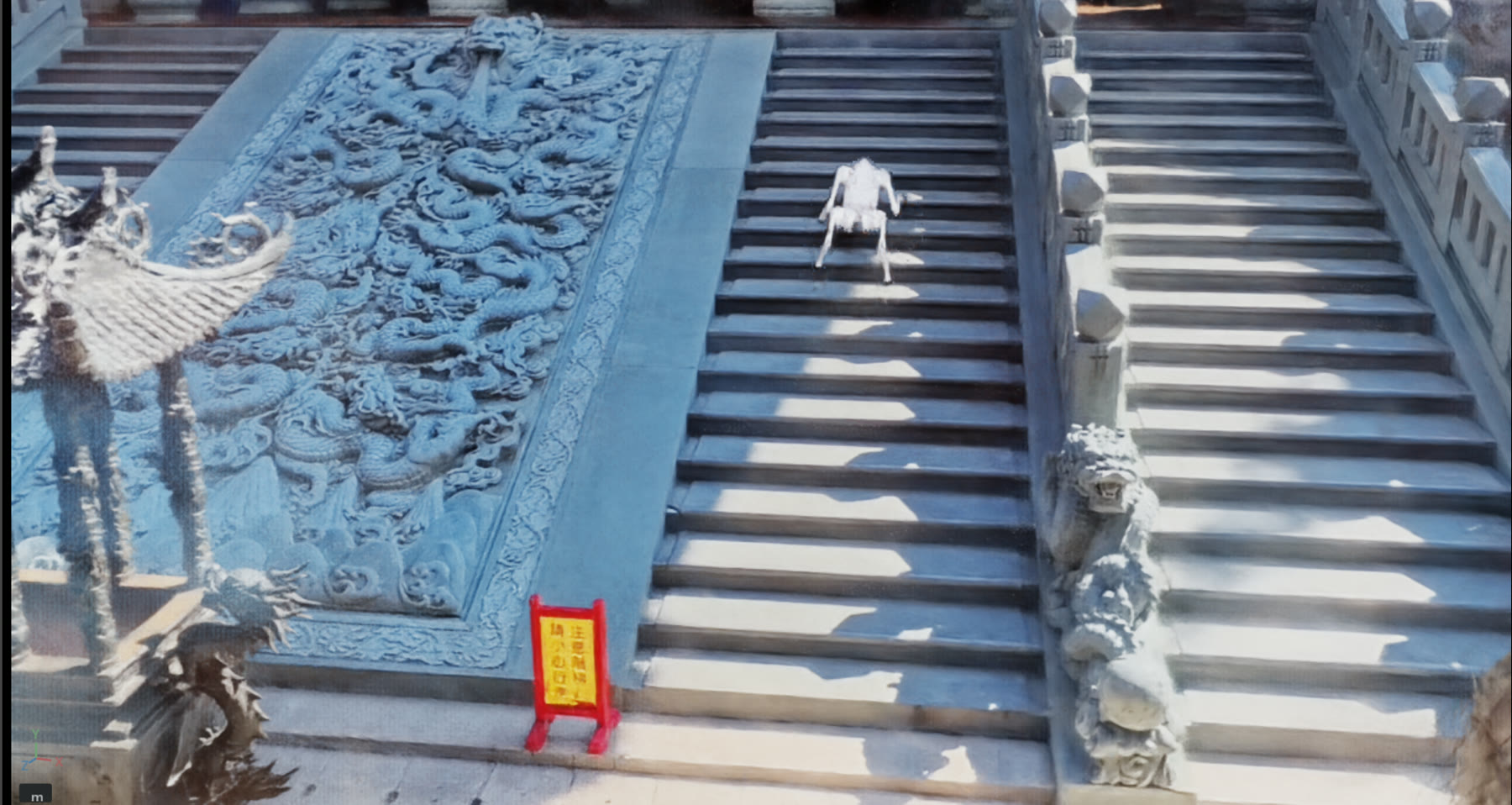
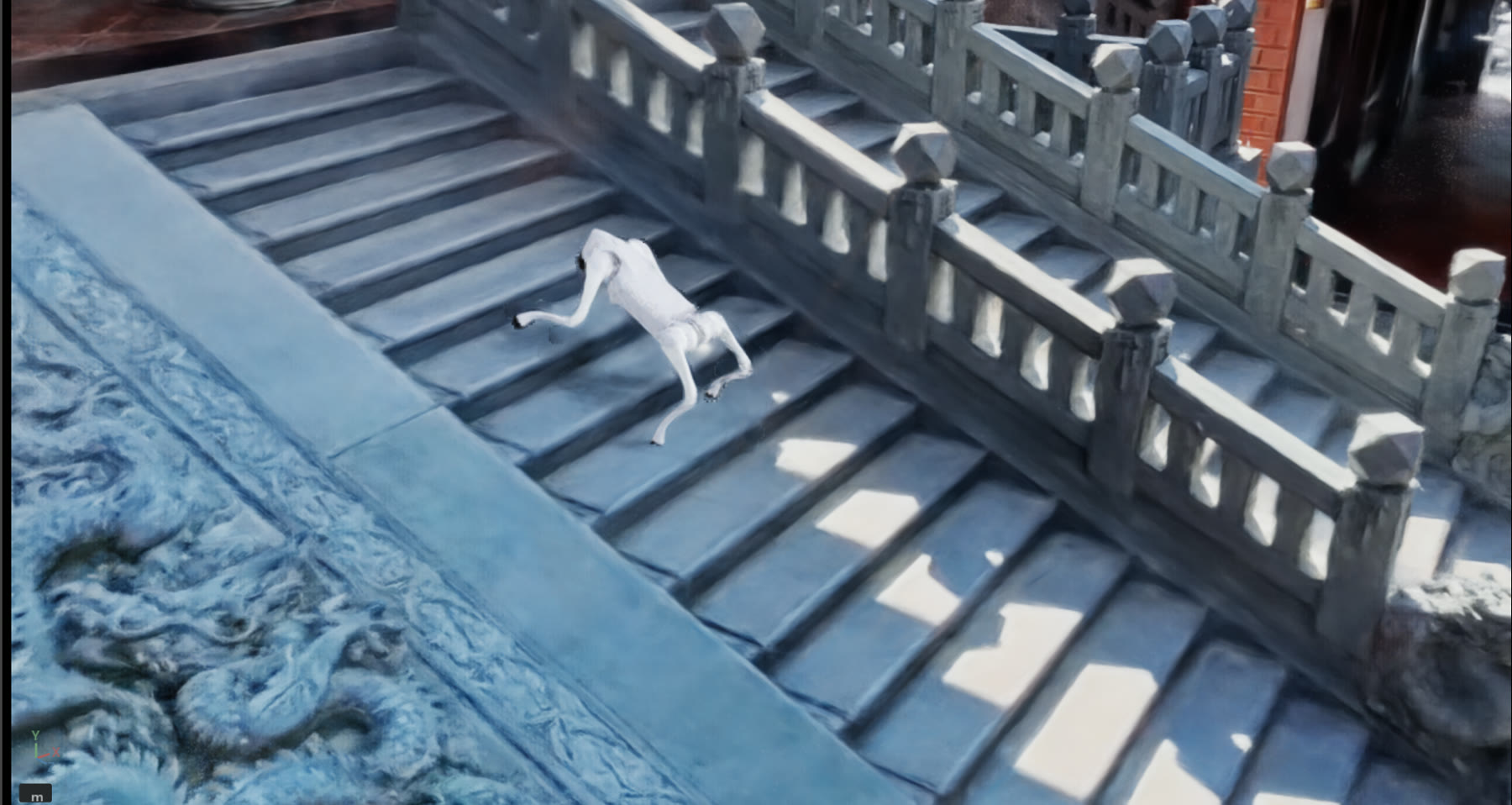
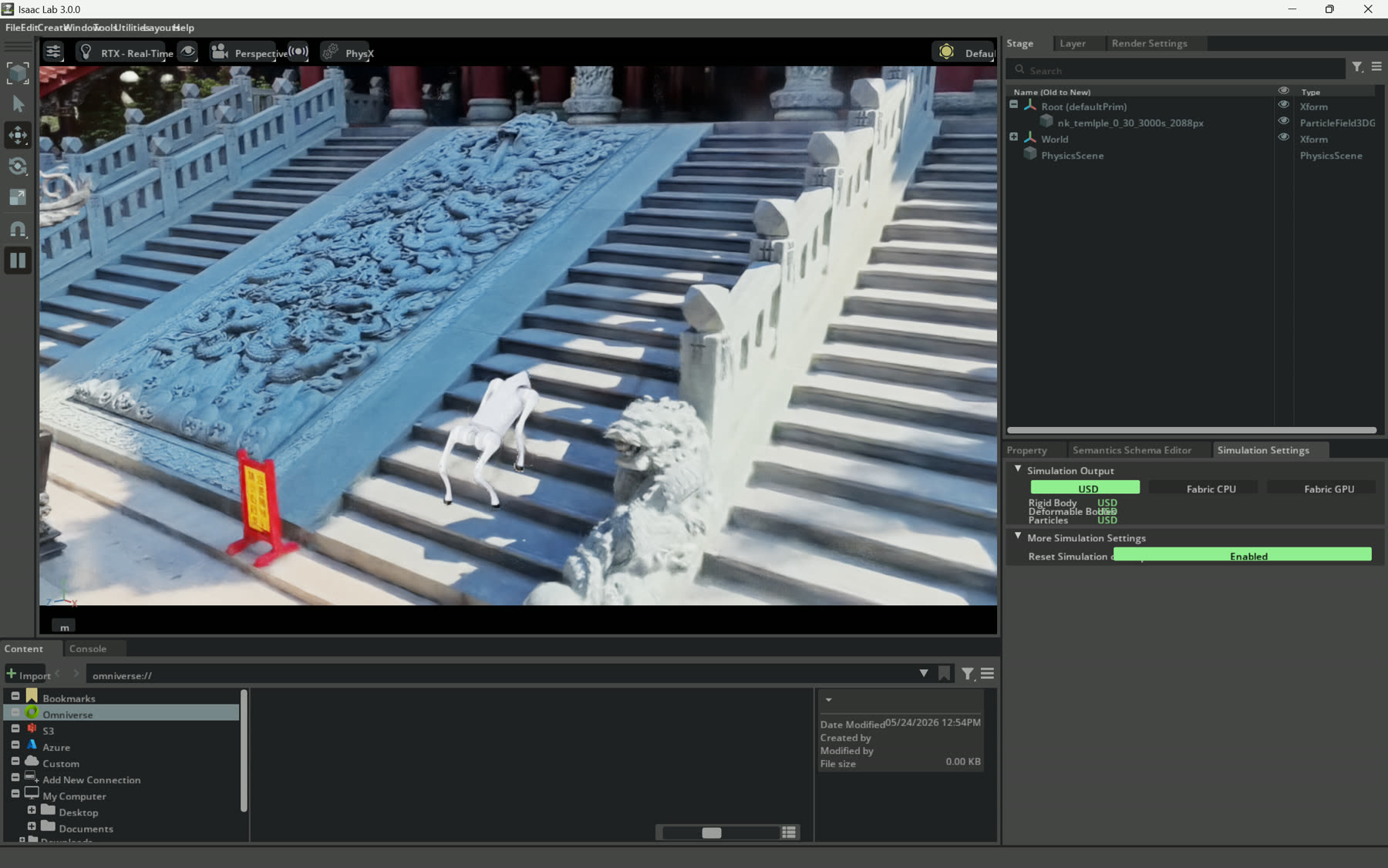
Simulator setup. 這張圖刻意不做成純美術截圖:它保留 Isaac Lab interface、ParticleField3DG scene entry 和 physics settings。
為什麼保留廟宇 context
我的背景橫跨 software engineering、stage、light、spatial perception 和 real-time visual systems。廟宇 context 對我有用,是因為 stairs、scale、atmosphere 和文化場域都會影響 viewer 怎麼閱讀 embodied motion。
這頁背後的 observation 很簡單:captured place 如果能承載 behavior、constraints 和可 review 的 scene layers,就會從漂亮 reconstruction 變成空間測試場。這裡的廟宇重建承載 visual memory,proxy geometry 承載 simulator assumptions,robot replay 則測試 embodied motion 進入這個 reconstructed place 後如何被閱讀。
下一步
剩下的粗糙處直接指向下一步:
把 proxy stair / collision geometry 和 visual splat 並排展示,讓 reviewer 看得出哪些是物理、哪些是視覺。
補 rough yaw、rough arc、stop-specialist clips,讓 failure modes 和 success cases 一樣可見。
把 scene layers、robot replay 和 simulator captures 整理成可重跑的 local demo,而不是一組截圖。
相關脈絡:視覺重建部分連到 Nankunshen 3DGS capture;source-to-response 敘事則連到 source-aware digital twin case study。