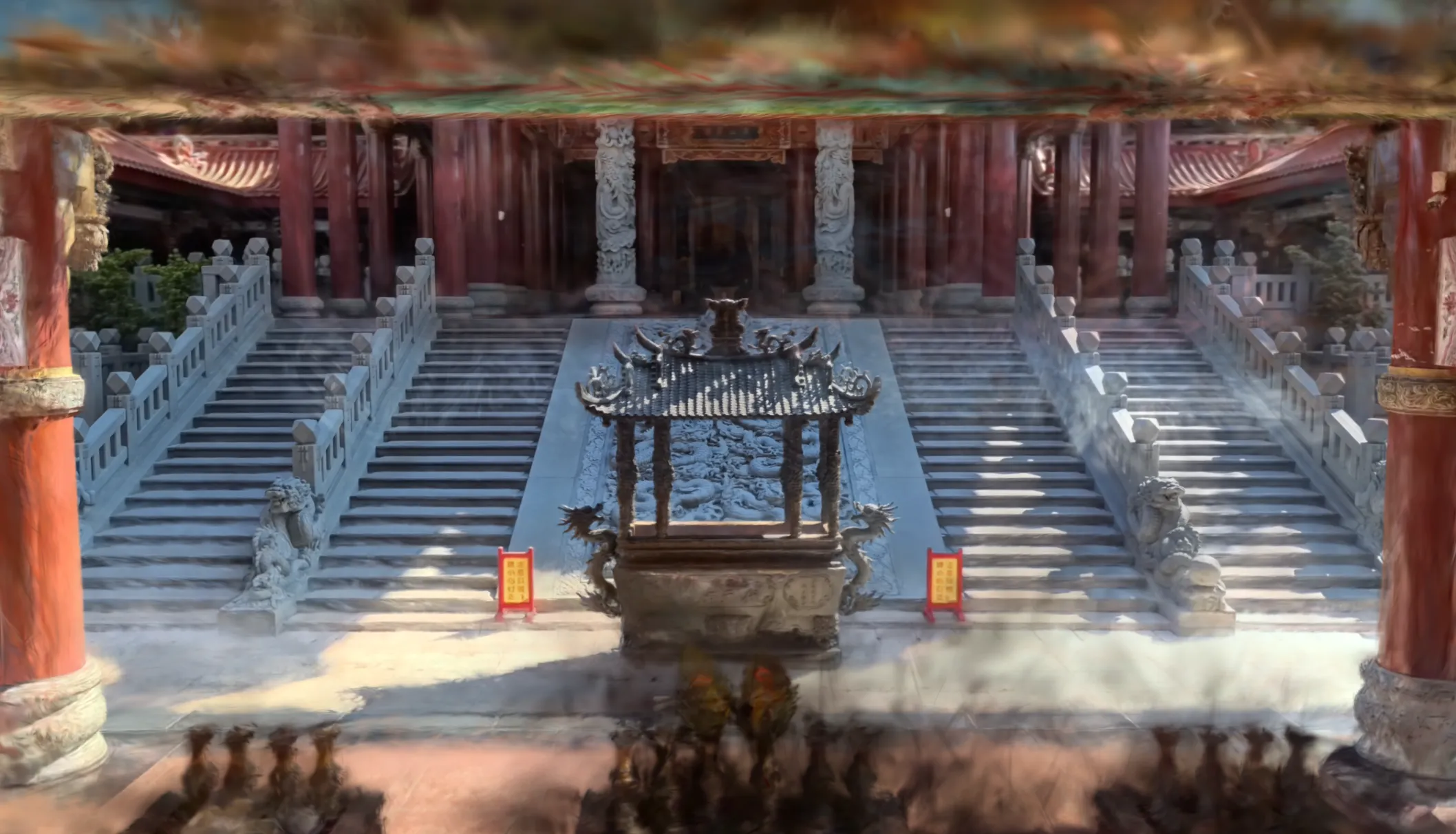
Historic Temple Reconstruction | 3DGS
A complete 3D Gaussian Splatting workflow from 360 video capture to VR display, documented through the reconstruction of Nankunshen Temple.
Overview
This article documents my workflow for generating 3DGS from 360 video, using Nankunshen Daitian Temple in Tainan as a practical case study.
New to 3DGS? Check out: What is 3D Gaussian Splatting?
Workflow Overview
Capture → Video Export → Frame Extraction → Spatial Alignment → 3DGS Training → Display1. Capture
- Equipment: Insta360 X5 (5.7K / 60fps)
- Capture Area: Nankunshen Daitian Temple - Area in front of the Jade Emperor Hall (incense burner, stairs)
Using 60fps allows for faster shutter speeds to reduce motion blur. However, real-world testing showed minimal difference, especially in well-lit environments.
360 video capture process, moving steadily around the subject
Capture Tips:
- Minimize dynamic objects in frame (pedestrians, vehicles)
- Move steadily and slowly to avoid motion blur
- Choose well-lit environments to reduce image noise
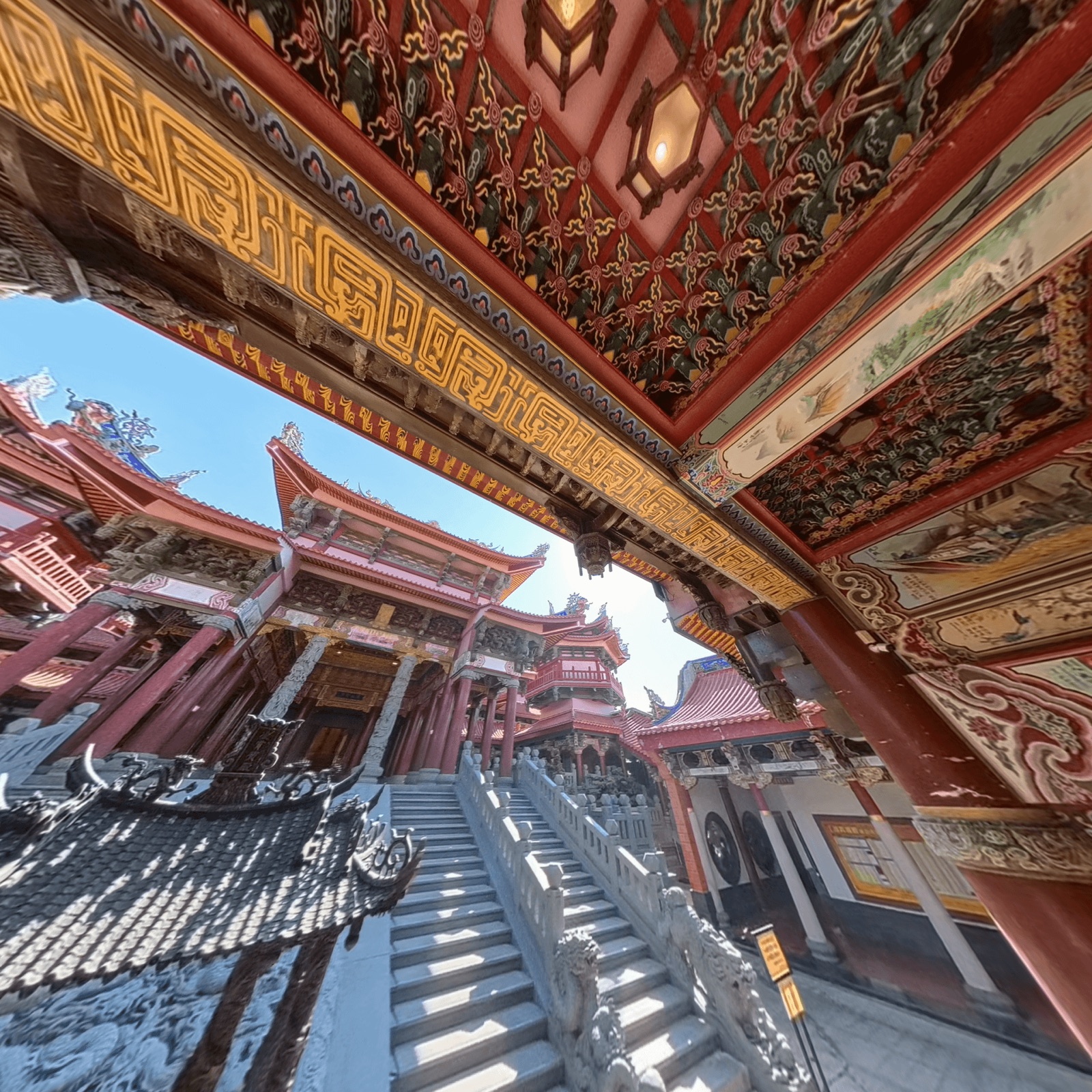
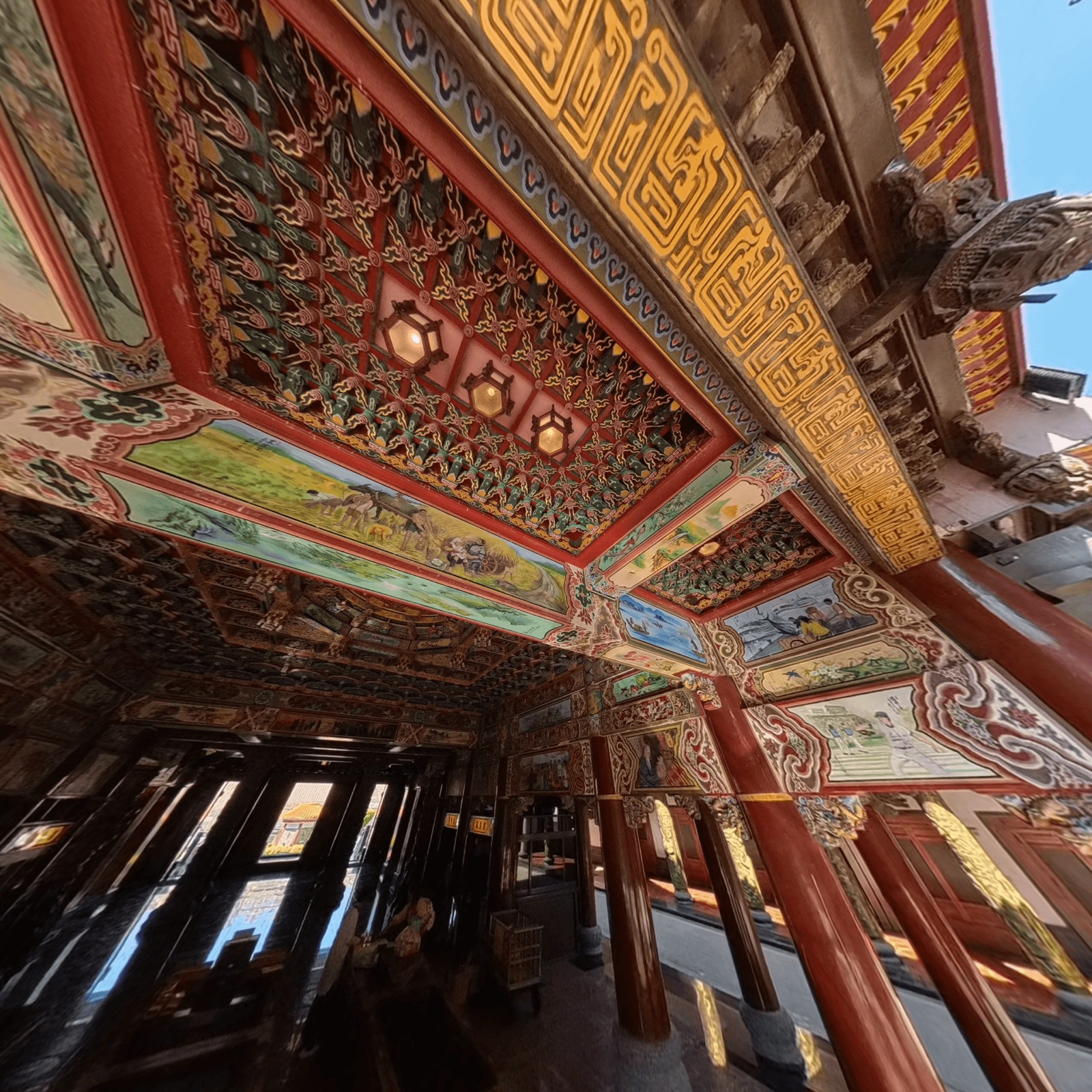
2. Video Export
Use Insta360 Studio to open .insv raw files, export as 360° video (.mp4 / H.265, highest bitrate).
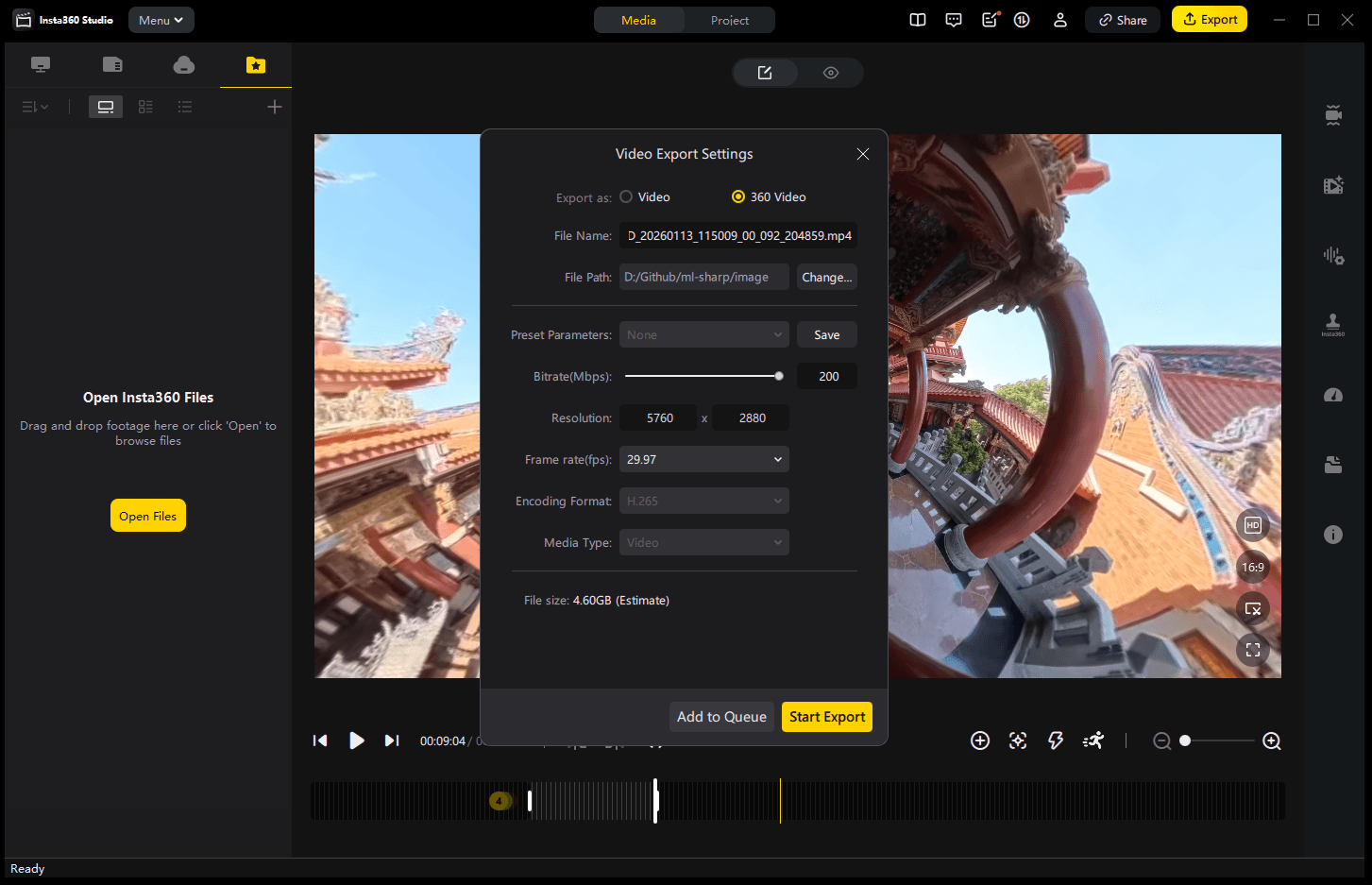
To test: Does ProRes significantly affect 3DGS quality? For the same 3:25 video, H.265 is ~5GB, ProRes is nearly 25GB.
3. Frame Extraction
360° video cannot be used directly for 3DGS. It needs to be converted to multiple flat perspectives and extracted as frames.
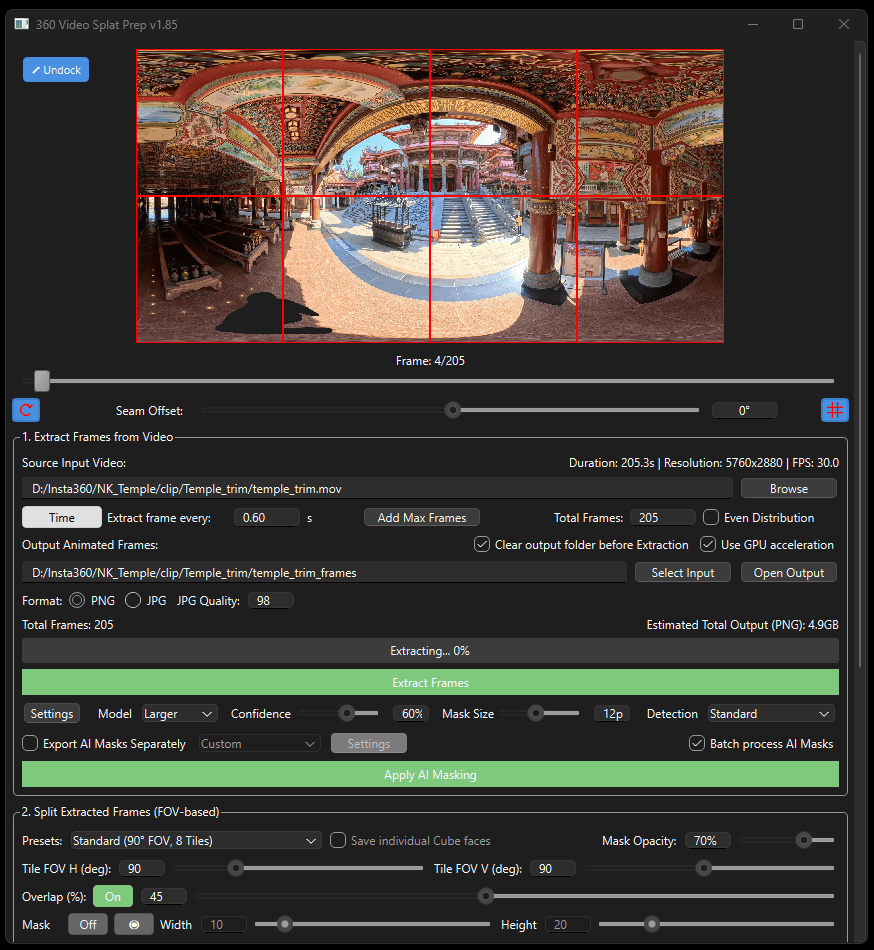
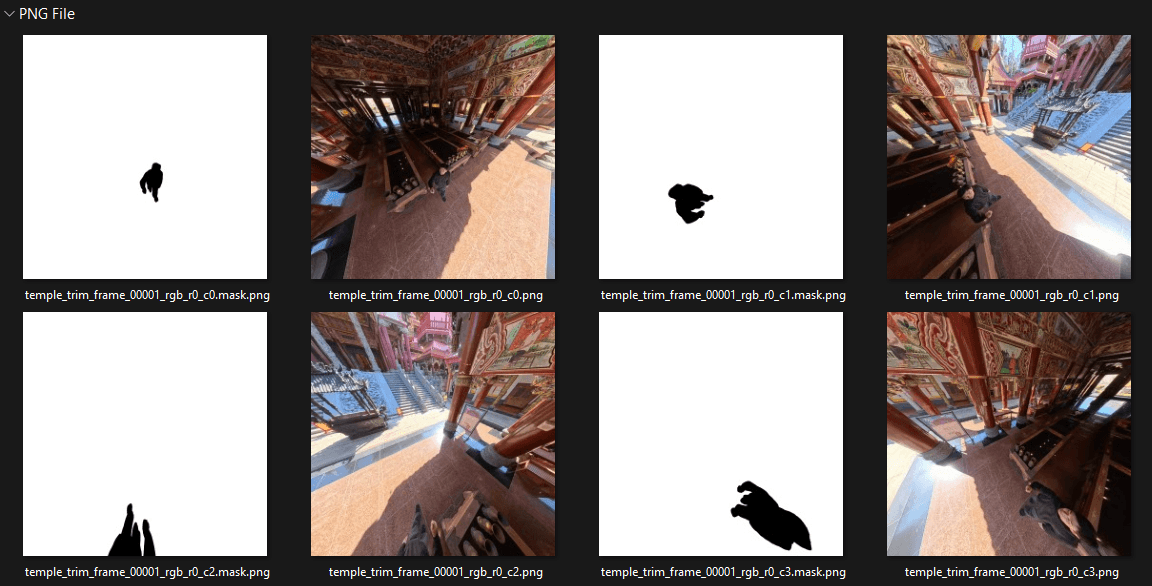
Method A: 360 Stills Prep Tool
- Input 360 video
- Automatically splits into 8 perspectives and extracts frames
- AI feature: mask out the camera operator (optional)
Method B: DaVinci Resolve 20 - Fusion
Project the 360° video onto a 3D sphere, set up 6 virtual cameras pointing at:
- 0° / 60° / 120° / 180° / 240° / 300°
Each frame outputs 6 photos from different directions (1920 × 1080)
4. Spatial Alignment
- Tool: RealityScan
Drag frames and masks (optional) into RealityScan, click Align Images to start alignment. Once complete, you’ll see a 3D scene formed by point clouds. Download the camera data and point cloud.
This project: ~2,500 photos (2088×2088px), took 18 minutes, mainly CPU-intensive (i9-13980HX).
5. 3DGS Training
- Tool: PostShot
Import the camera data (.csv), point cloud data (.ply), and extracted images from the previous step. Import masks to the mask area (optional).
This project parameters: Select Best 300/2500 / Image size 2088 / 3000 kSplat / 30K Step. Training is GPU-intensive, RTX 4080 took 20 minutes. Enable Store Training Context to save training info and continue training later (increase steps and Splat count).
Interactive 3DGS - Nankunshen Temple
Mouse: click to recenter, drag to orbit, scroll to zoom | Touch: one finger to orbit, two fingers to zoom
I experimented with using Three.js to render 3DGS directly in WebGL, enabling interactive 3D viewing in the browser without external dependencies.
6. Display
SuperSplat Online Viewer
- Tool: SuperSplat
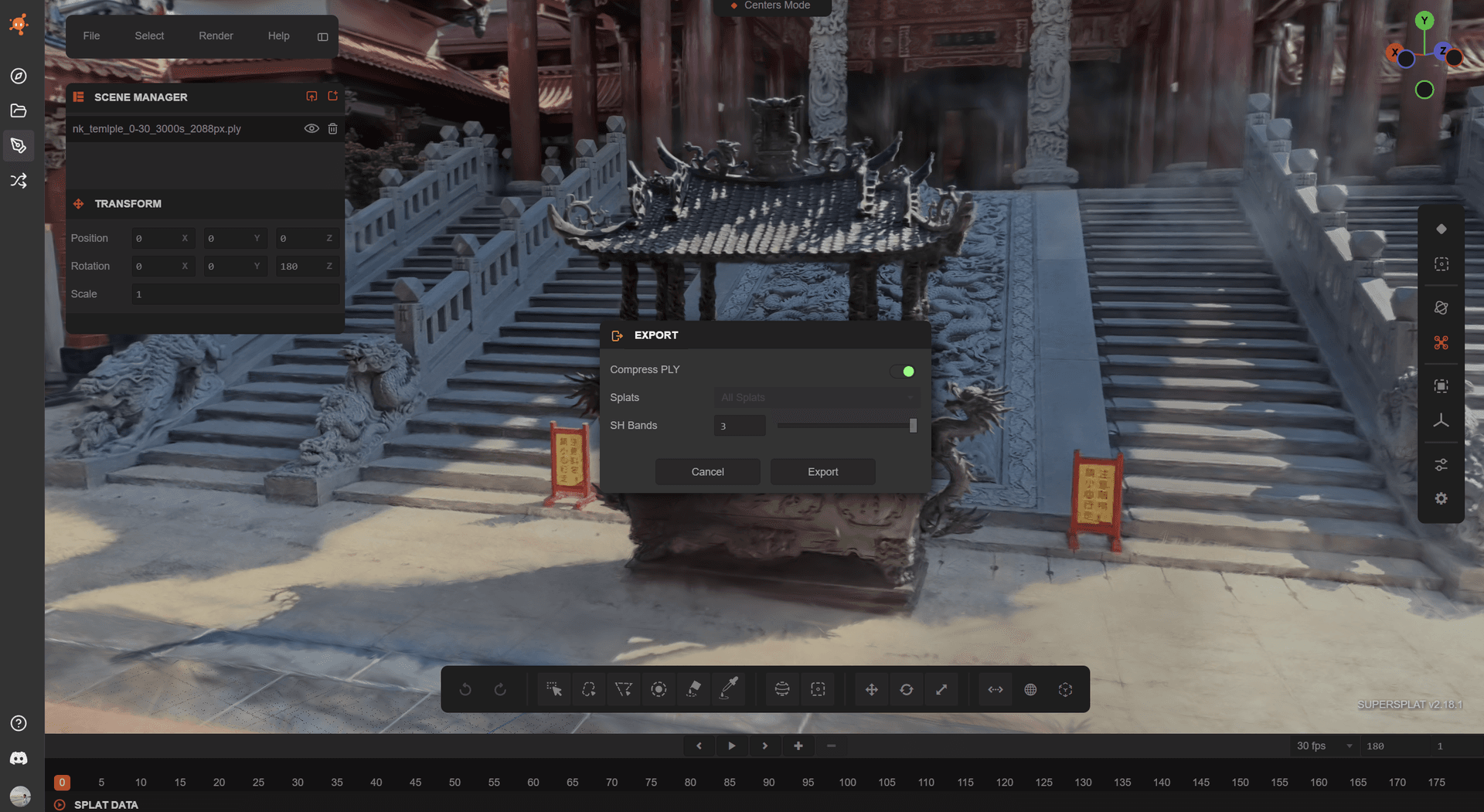
Import the 3DGS file (.ply, ~673MB) from the previous step into SuperSplat, clean up floating artifacts, crop boundaries, then save and publish to share via link!
https://superspl.at/view?id=fd9db565You can also use SuperSplat to export compressed 3DGS files. SH Bands 0: 46MB / SH Bands 3: 175MB
Unreal Engine Rendering
Import PostShot files directly into Unreal Engine (requires PostShot Plugin installation).
Additional Experiments
VR Integration (3DGS + Unreal Engine + Meta Quest 3)
Want to “walk into” this space in VR? See: How to View 3DGS in VR
3DGS Relighting Test (XVerse Plugin)
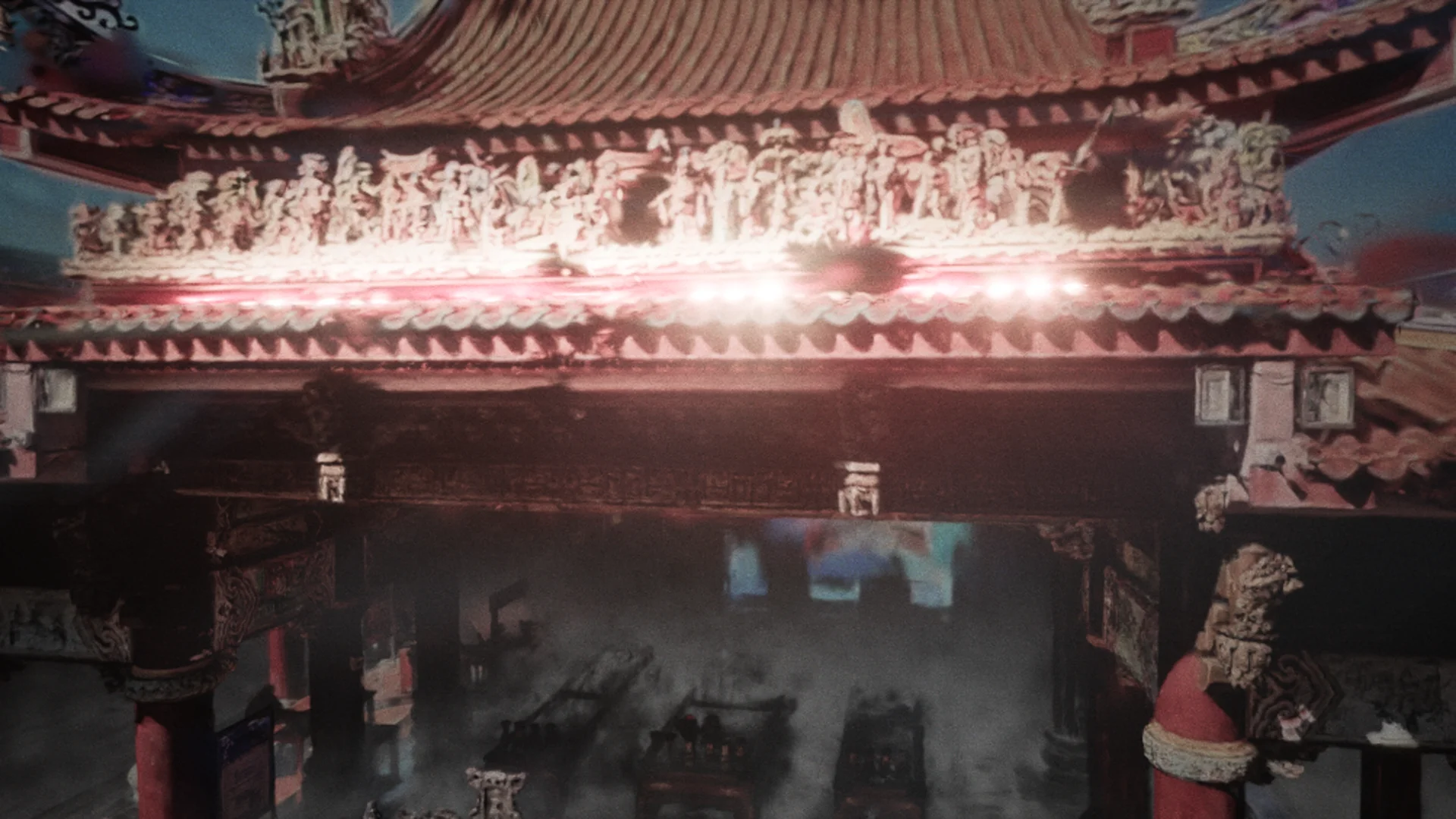
Testing dynamic relighting effects on 3DGS using Unreal Engine 5.5 + XVerse Plugin.
PostShot’s PLY output isn’t directly compatible with XVerse, so I built a converter to handle the format conversion.
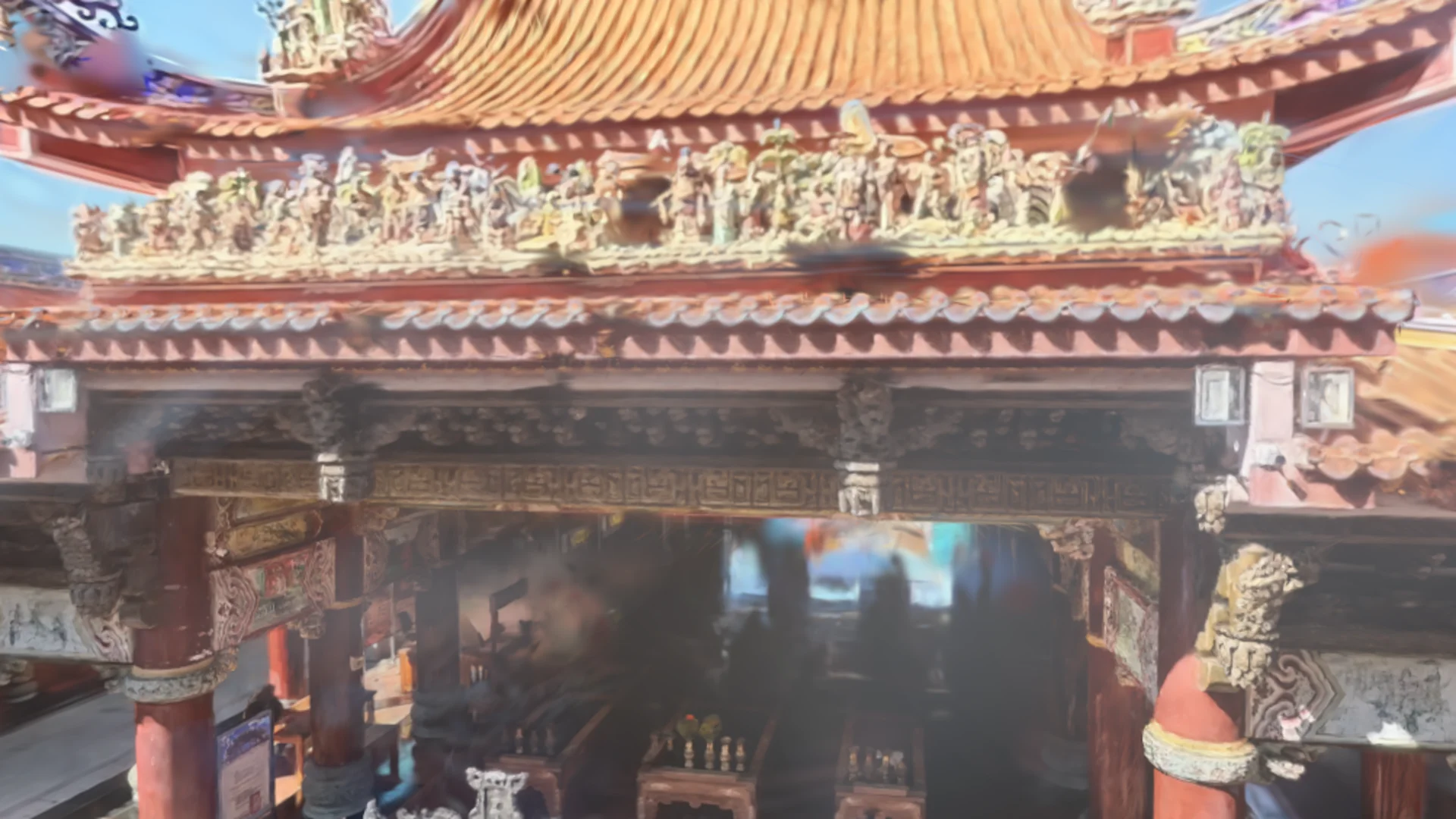
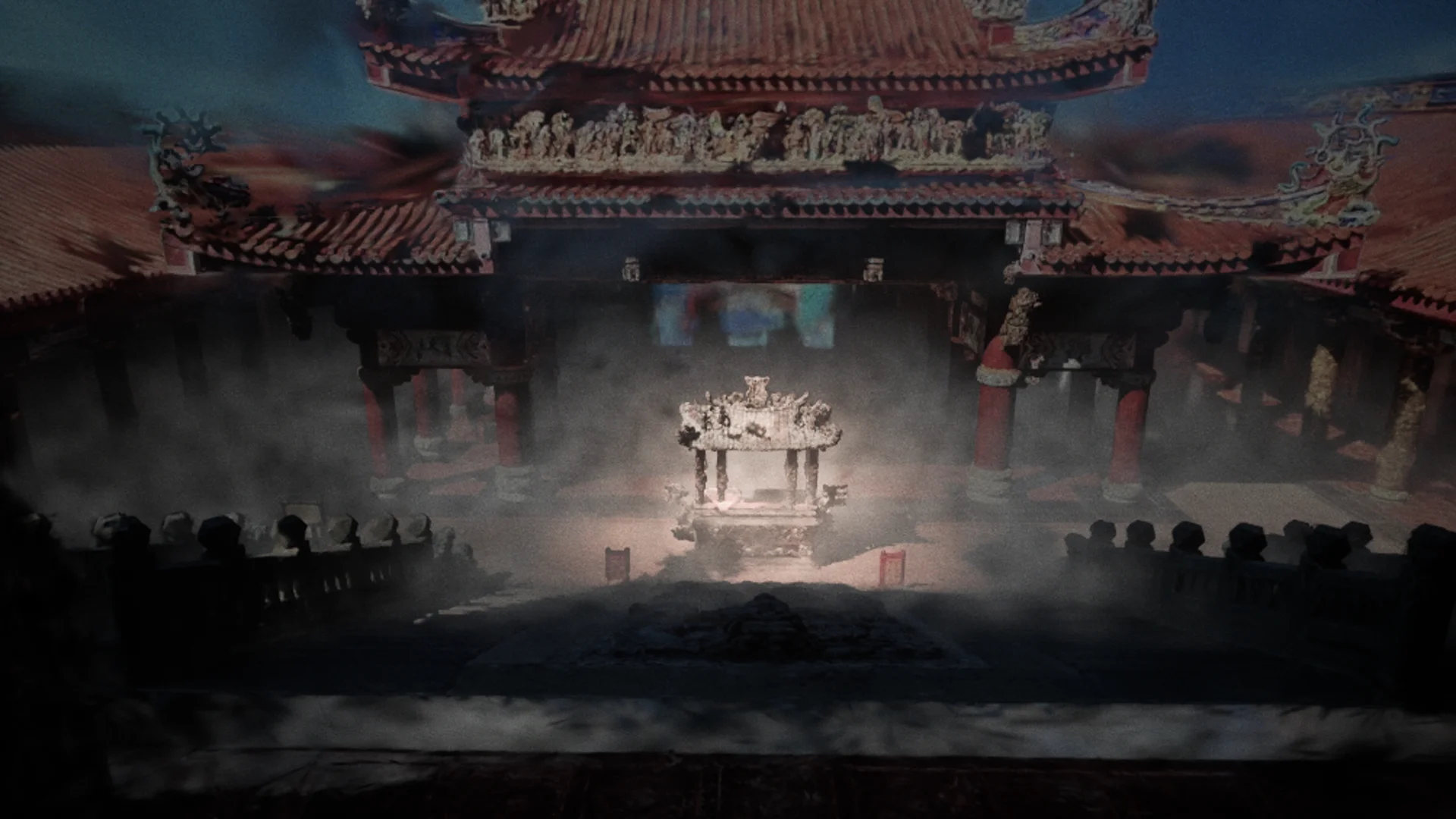
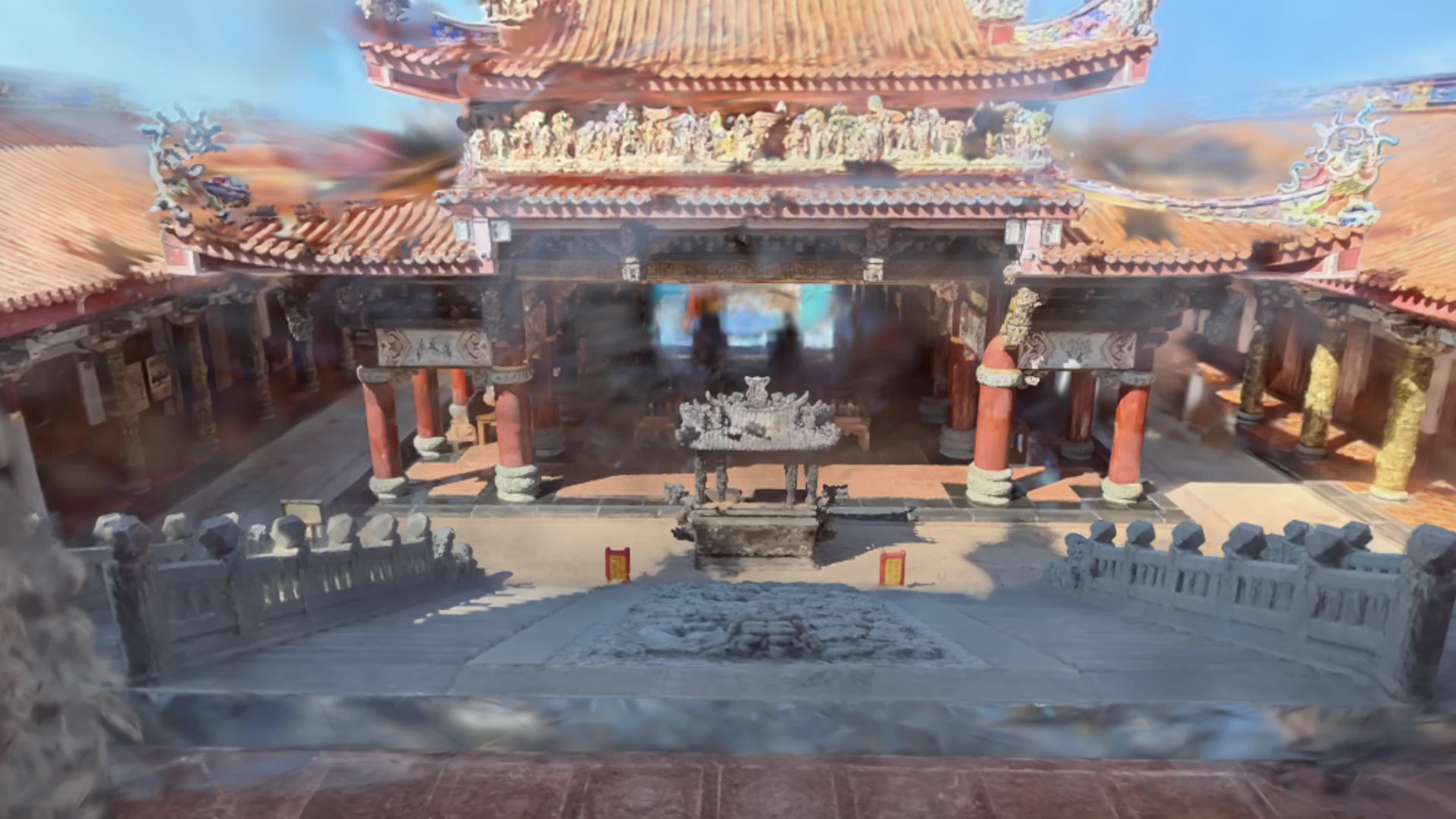
Xuejia Courtyard House
I also retrieved drone footage of my family’s traditional courtyard house from 2022 and attempted to reconstruct it using the same approach.
Interactive 3DGS - Xuejia Courtyard House, Tainan (my hometown)
Mouse: click to recenter, drag to orbit, scroll to zoom | Touch: one finger to orbit, two fingers to zoom
Reflection
After completing this experiment, it reminded me of the 2025 typhoon that devastated southern Taiwan. That typhoon destroyed the 40-year-old archway at Nankunshen Temple and also blew off the roof of my family’s courtyard house in Xuejia.
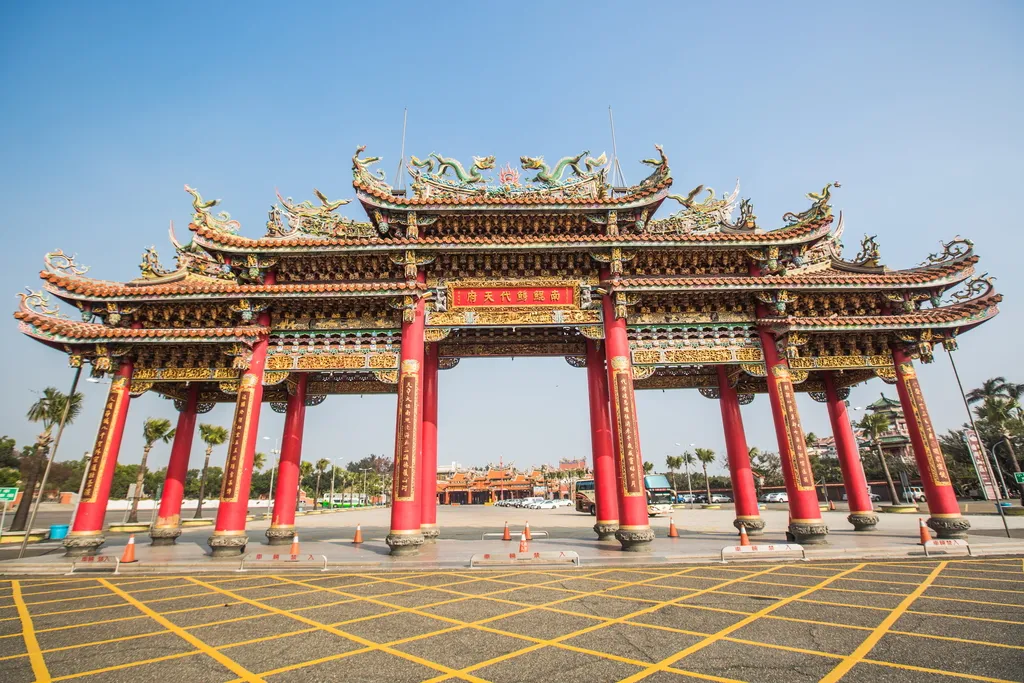
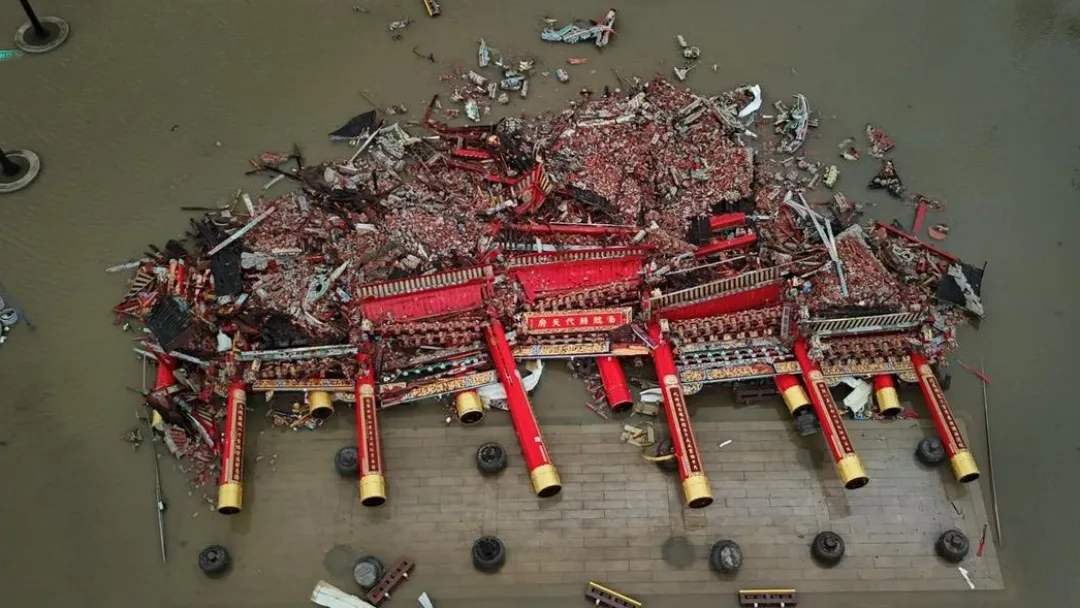
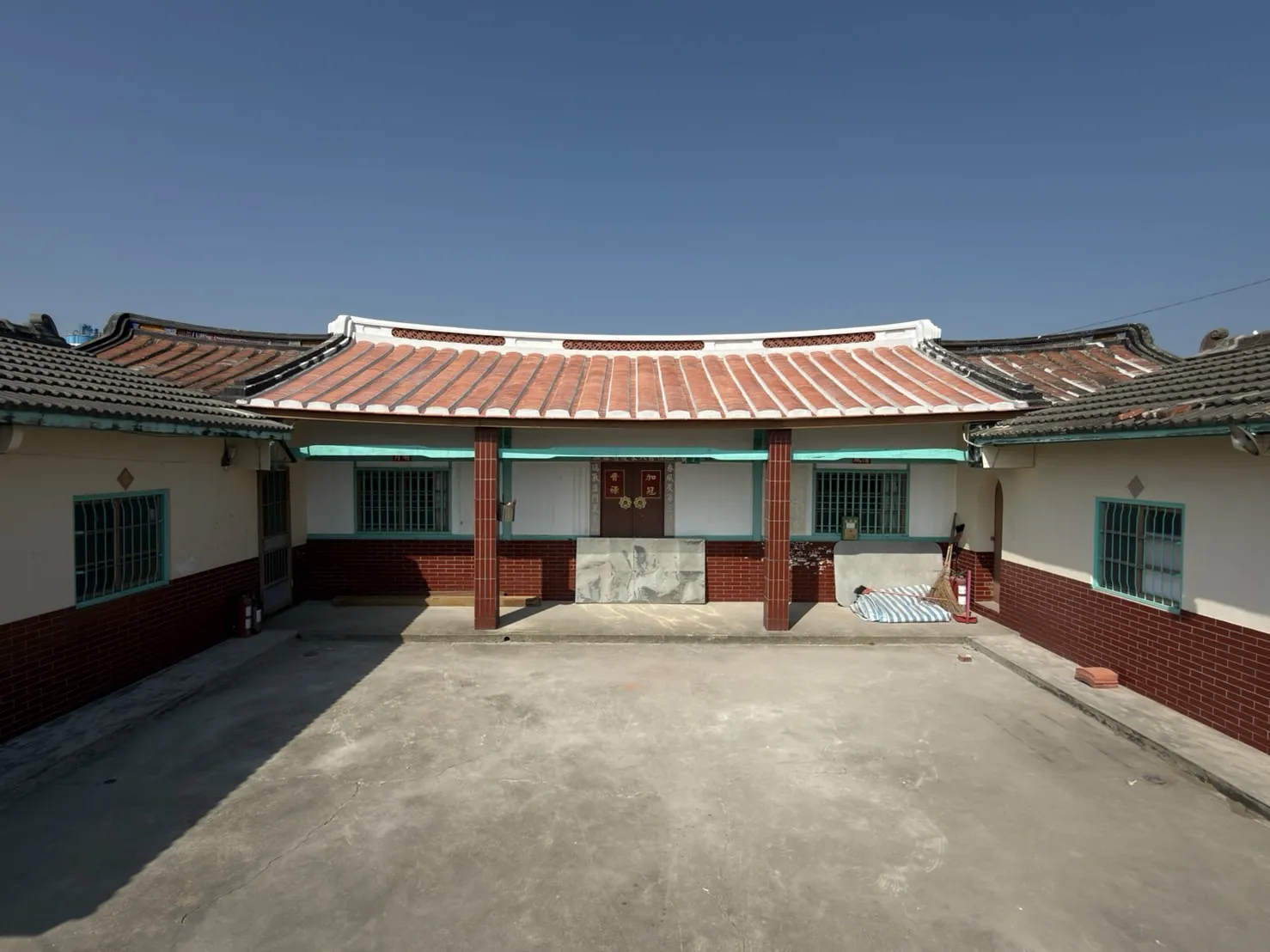
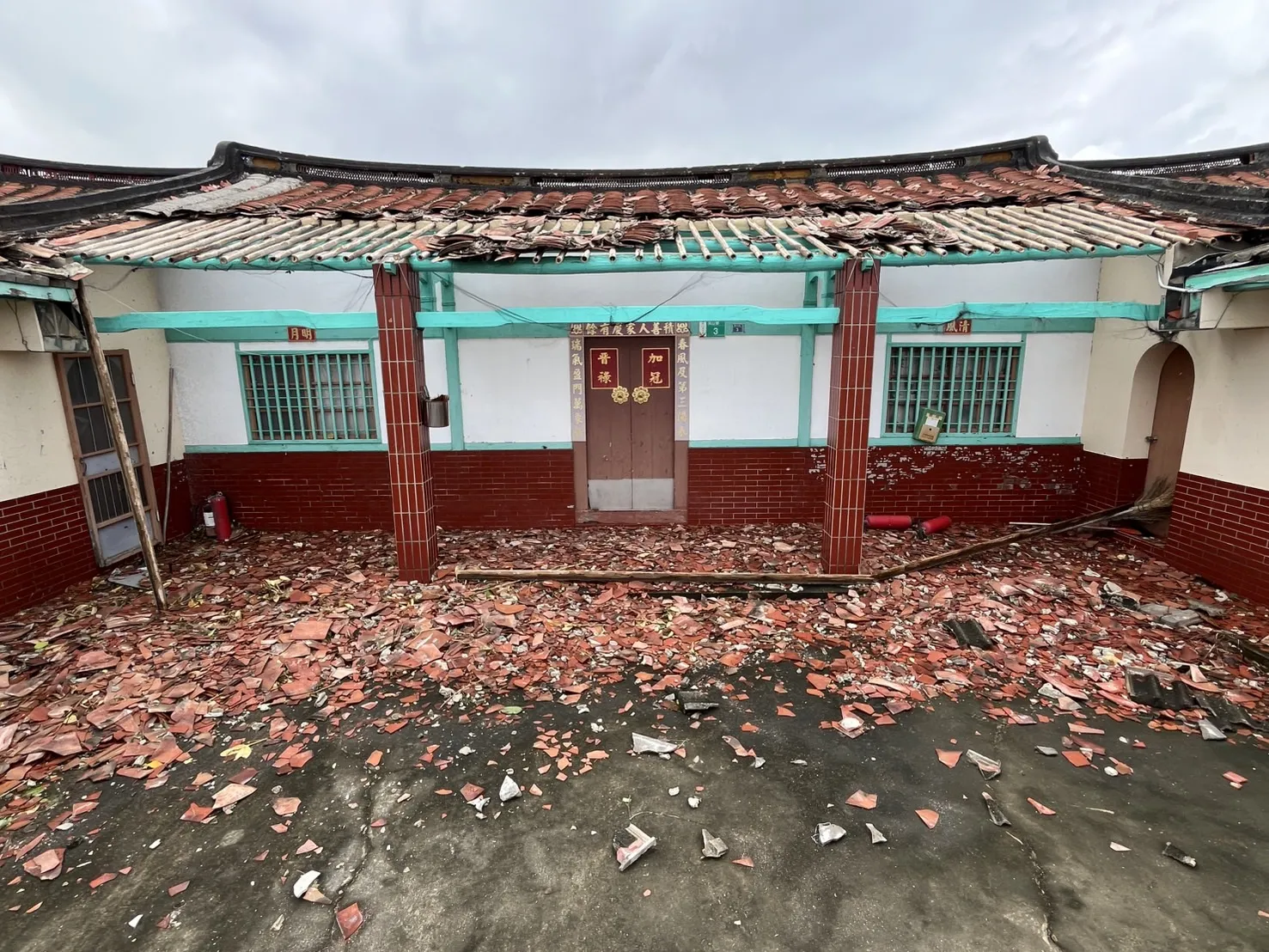
Through 3DGS, I see a new possibility: preserving spatial memories. Traditional photography captures angles, while 3DGS preserves the feeling of being there. These spaces are not just monuments or buildings, but places that hold personal and collective memories.
Useful Resources
- Making 3D Gaussian Splatting with Insta360 X5
- Scanning and processing 360 videos to 3DGS models
- Gaussian Splatting Editing Tutorial with SuperSplat
- PostShot Docs: Unreal Engine Integration
- PostShot Docs: Training Configuration
Links
- YouTube: 3DGS Relight Test Video
- SuperSplat: Nankunshen Temple 3DGS
- SuperSplat: Xuejia Courtyard House 3DGS
Related Articles
- What is 3D Gaussian Splatting?
- PostShot: The Easiest Way to Train 3DGS
- RealityScan: Free Photogrammetry for Everyone
- SuperSplat: Edit and Share 3DGS
Get in Touch
Have questions or want to collaborate? Feel free to reach out!