Robotic Dog Training in a Reconstructed Temple
A Physical AI simulation study connecting a reconstructed temple scene, a simplified Isaac/Omniverse physics proxy, and robotic-dog locomotion replay.
From locomotion demo to spatial testbed
An empty stair test explains locomotion while leaving out the architectural context that makes the behavior spatial. A reconstructed temple scene gives that context; collision and stair-contact questions still need a separate proxy layer.
I split the project into three readable layers: the temple reconstruction for visual context, a simplified Isaac / Omniverse proxy for collision and stair interaction, and Isaac Lab / RobotLab replay clips for the robot motion. Seeing those layers together makes the reasoning inspectable while keeping each layer’s responsibility separate.
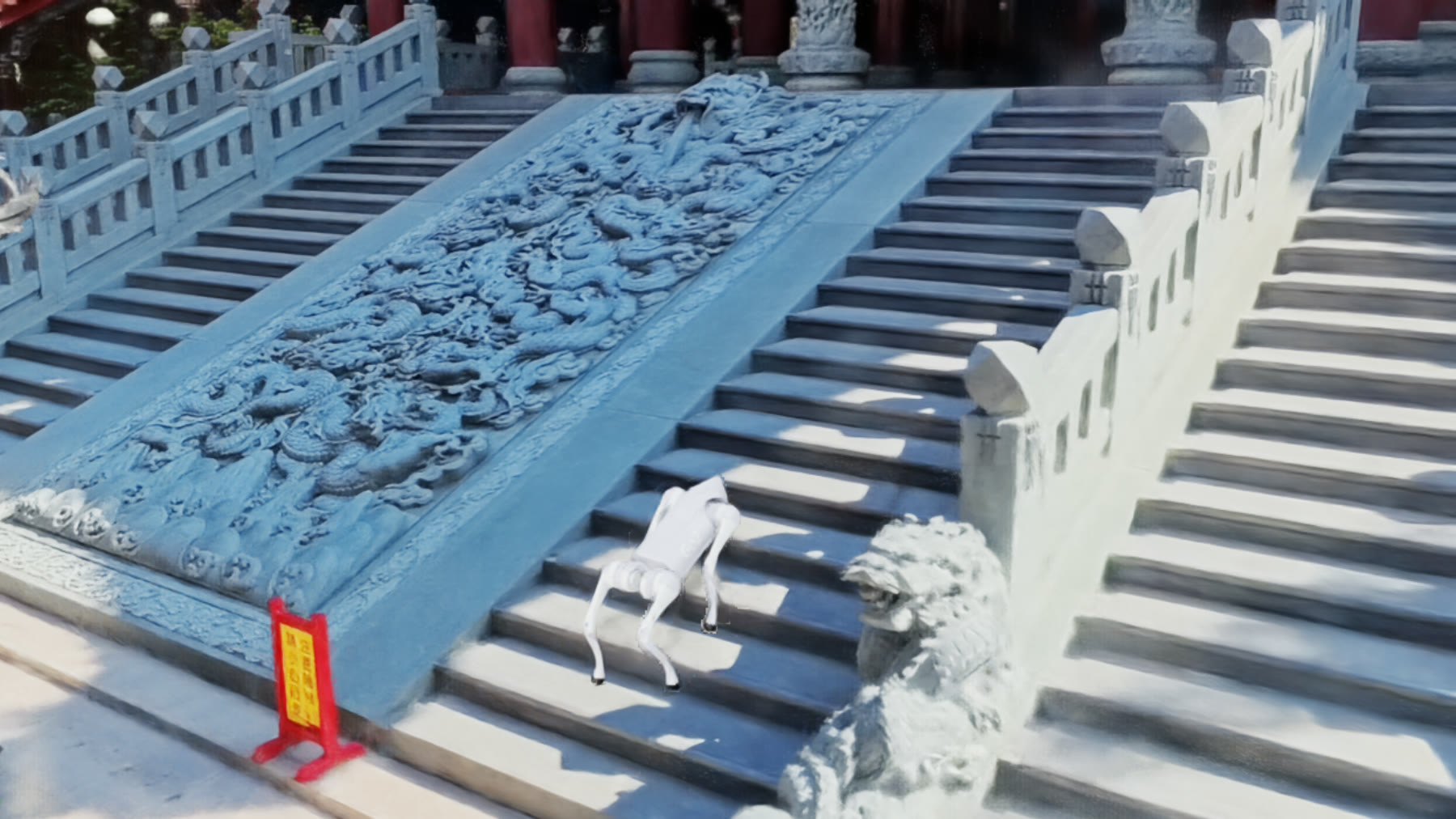
Primary visual. A robotic dog is replayed in Isaac Lab inside a reconstructed temple scene. The visual splat gives spatial context; the proxy geometry and locomotion clips explain how the stair interaction is being read.
What is in the scene
A captured temple environment gives the robot replay a recognizable architectural setting.
A separate collision/stair layer carries the contact assumptions behind the visual scene.
Recorded Isaac Lab / RobotLab clips show the dog in controlled stair and temple views.
The current artifact covers simulation replay, scene assembly, and visual/proxy separation.
The direction came from a practical problem in presentation: a single polished replay hides too many assumptions. I wanted the viewer to see the asset chain itself — visual reconstruction, OpenUSD / Isaac scene assembly, proxy geometry, and robot replay.
How the scene is assembled
The project is organized as a source-to-simulation chain. Each step has a different job.
Temple imagery / reconstruction becomes a spatial reference. In Isaac, it appears as a ParticleField3DG-style visual layer, separate from the simplified collision geometry.
The robot needs collision geometry, stair dimensions, and stable physics. Those are handled as a simplified proxy layer, separate from the visual reconstruction.
Separate locomotion experiments test Go2 stair climbing, rough-terrain control, and teacher/student policy behavior.
The robot is replayed in stair and temple views. Videos are encoded as silent H.264 MP4s.
Hero imagery, viewport clips, and UI screenshots are kept separate so the viewer can see which layer they are looking at.
Locomotion notes
The locomotion side began with a community teacher policy, then moved into smaller checks around stair climbing, rough terrain, stop commands, yaw, and arc motion. I kept the training notes because they explain why the page shows both successful replay clips and unfinished control work.
The useful lesson was practical: for this robot setup, teacher warm-start, behavior cloning, and targeted DAgger exposed the failure modes more clearly than broad random PPO attempts. Stop creep, rough yaw, and rough high-speed drift became concrete observations that informed what still needs replay coverage.
Visual and replay material
The page uses three kinds of material: temple images for spatial context, replay videos for the robot motion, and one UI screenshot to show the simulator setup behind the cleaner views.
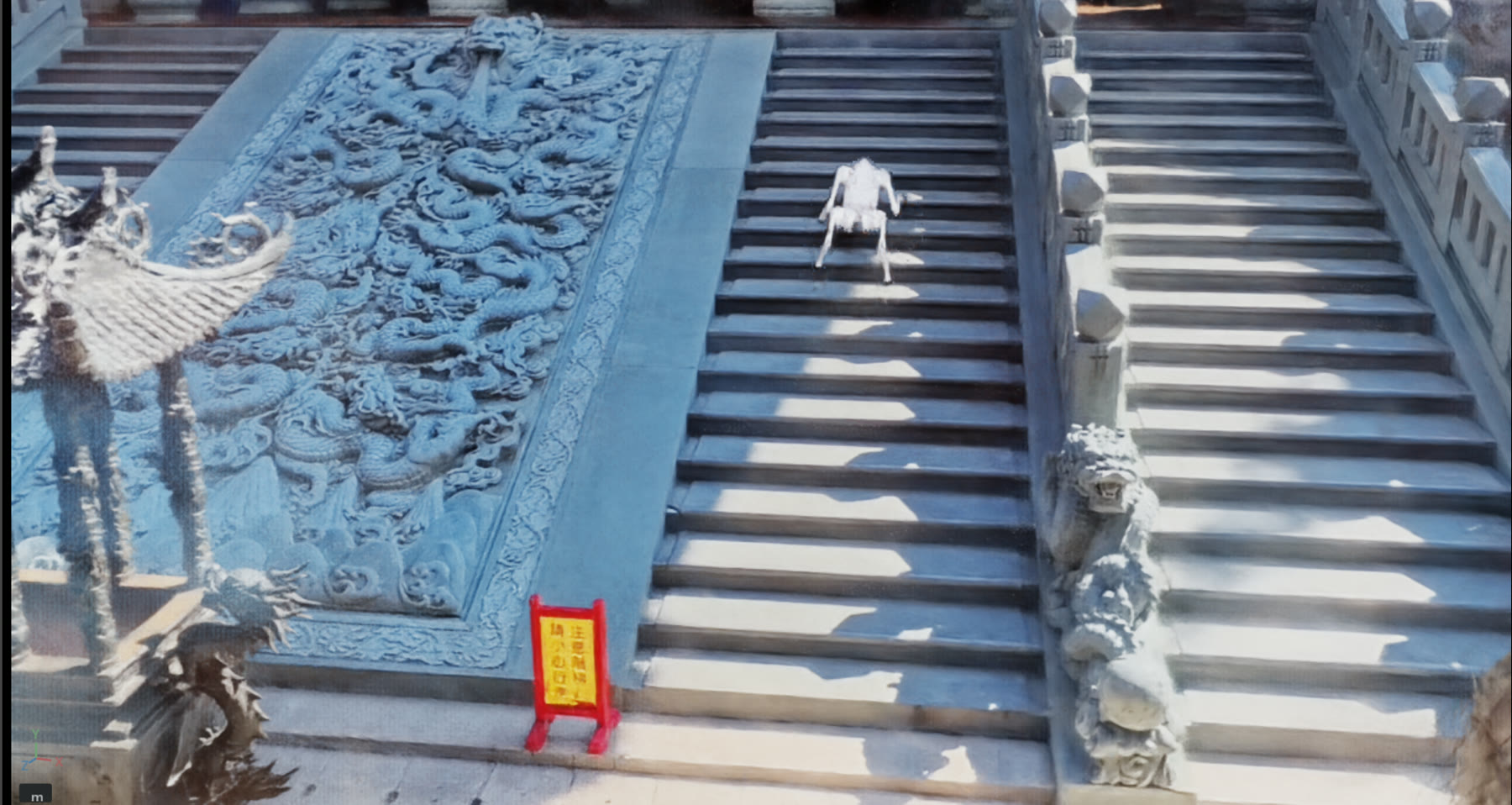
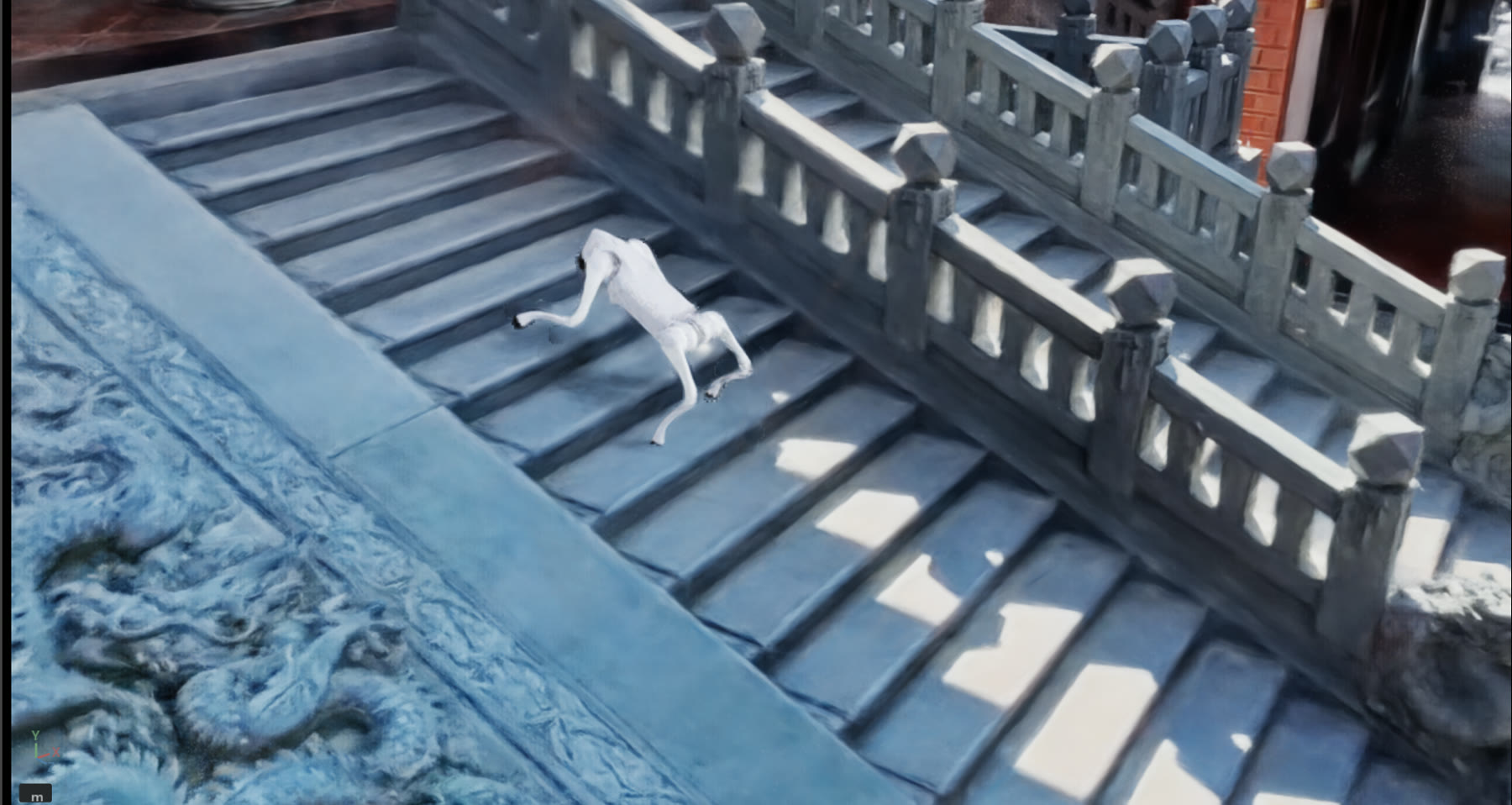
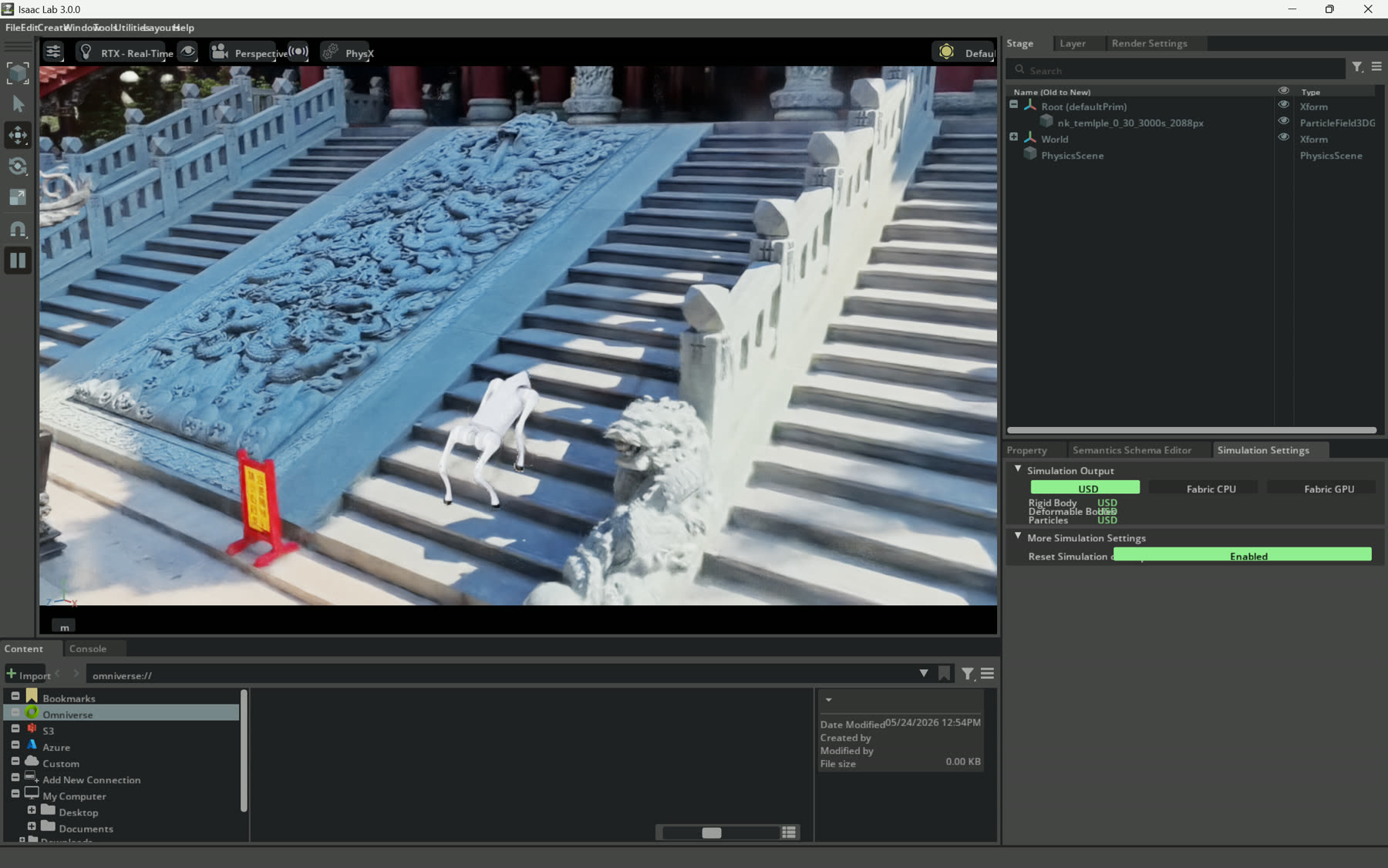
Simulator setup. This image is intentionally less polished: it keeps the Isaac Lab interface, the ParticleField3DG scene entry, and physics settings visible.
Why I kept the temple context
My background is stage, light, spatial perception, and real-time visual systems as much as software. That makes the temple context useful: stairs, scale, atmosphere, and cultural setting all affect how a viewer reads embodied motion.
The observation behind the page is simple: captured places become more useful when they can host behavior, constraints, and reviewable scene layers. Here the temple reconstruction carries visual memory, the proxy geometry carries simulator assumptions, and the robot replay tests how embodied motion reads inside that reconstructed place.
Next steps
The remaining rough spots point directly to the next work:
Show the proxy stair/collision geometry beside the visual splat so reviewers can see what is physical and what is visual.
Add rough yaw, rough arc, and stop-specialist clips so the failure modes are as visible as the success cases.
Package the scene layers, robot replay, and simulator captures as a reproducible local demo rather than a set of screenshots.
Related context: the visual reconstruction work connects to the Nankunshen 3DGS capture, while the source-to-response framing connects to the source-aware digital twin case study.